Scanning Items Larger than the Platen (Image Stitch)
You can scan the left and right halves of an item larger than the platen and combine them
back into one image. Items up to approximately twice as large as the platen are supported.
Note
The following explains how to scan from the item to be placed on the left side.
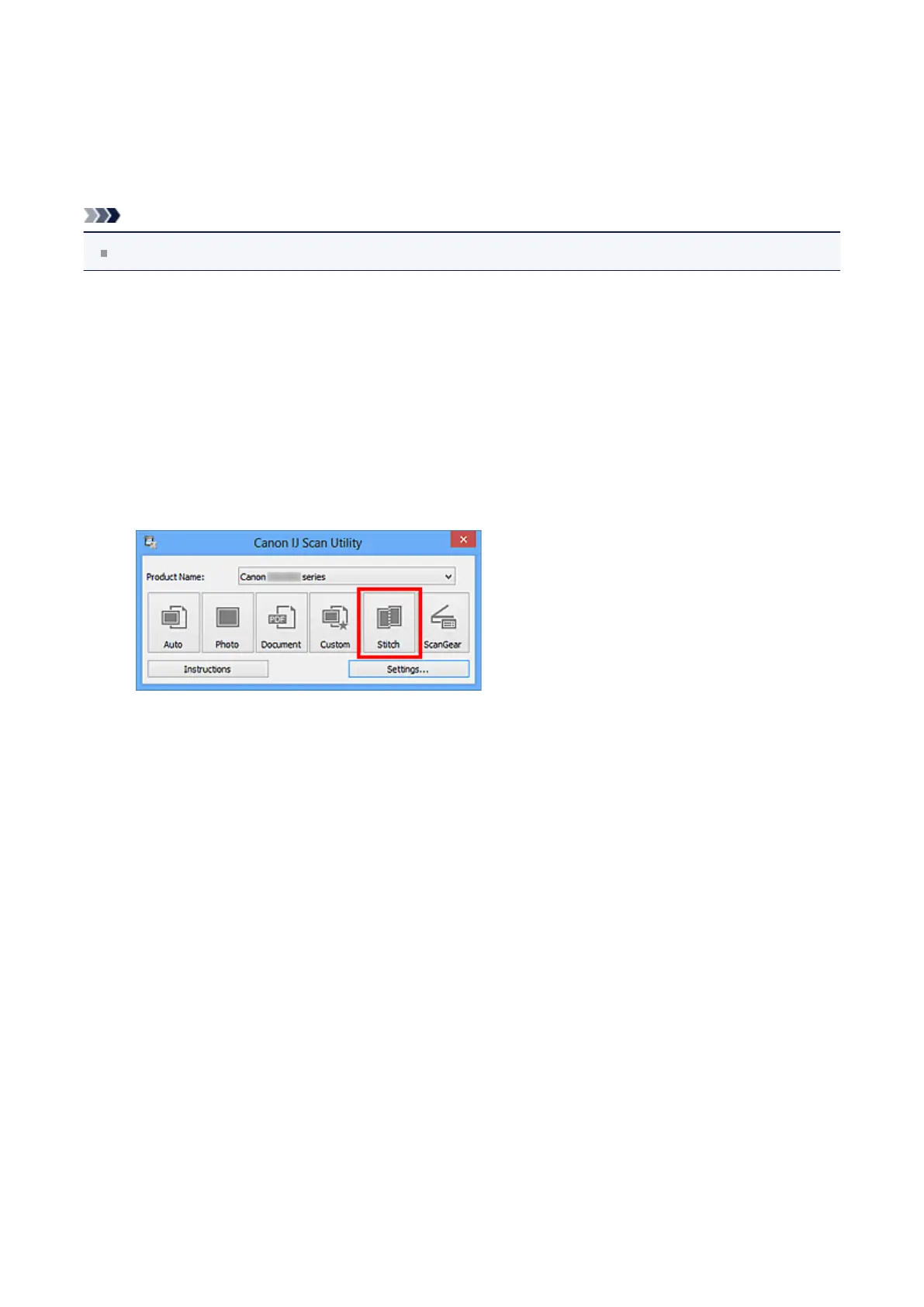
1. Start IJ Scan Utility.
2. Click Settings..., select the Settings (Scan and Stitch) dialog box, then
set the item type, resolution, etc. as required.
When setting is completed, click OK.
3. Click Stitch.
The Image Stitch window appears.
4. In Select Output Size, select an output size according to the paper size.
282












 To Next Page