Note
For Resolution, only 300 dpi or 400 dpi can be set when Start OCR is selected
in Application Settings.
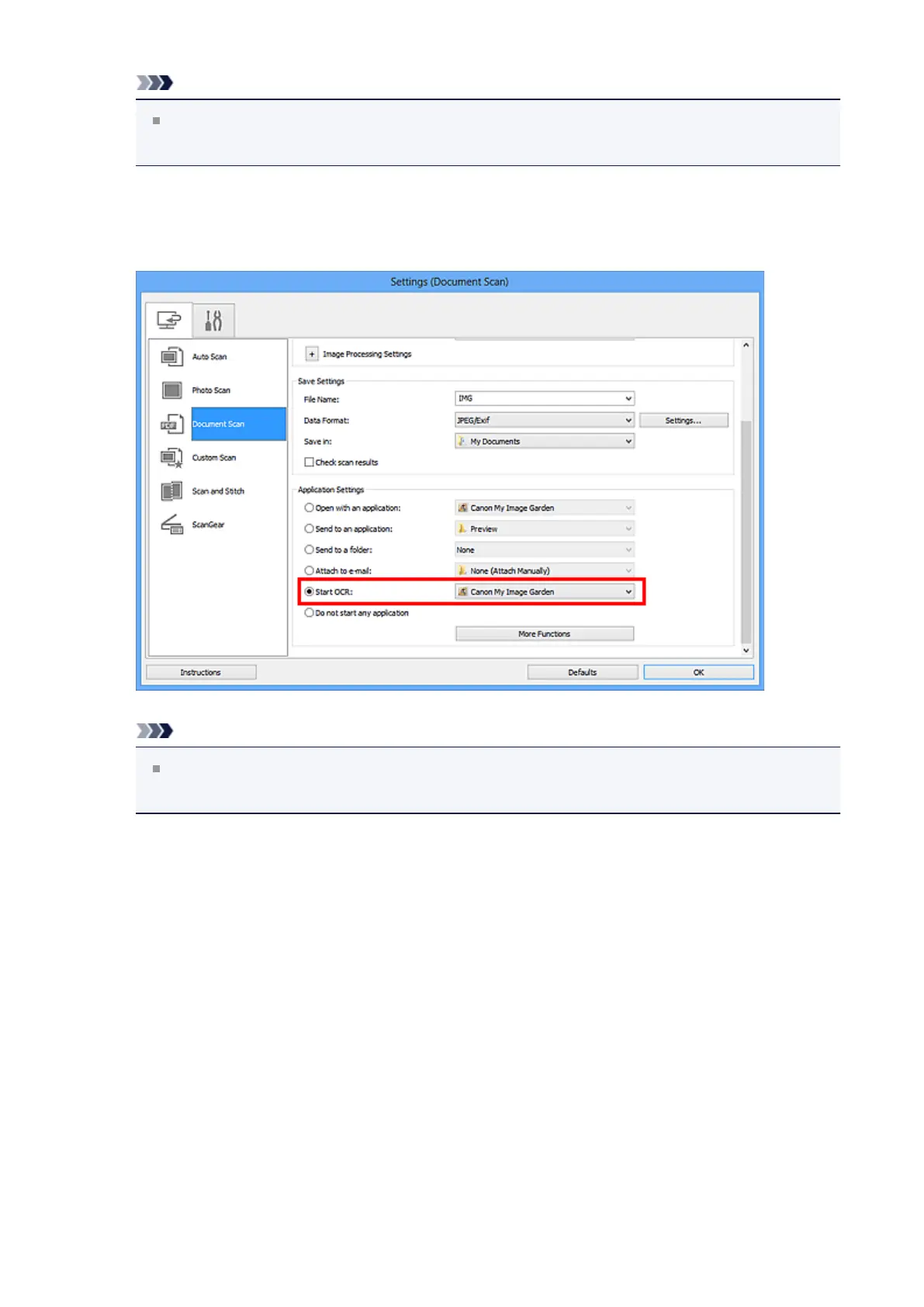
4. Select Start OCR for Application Settings, then select the application in
which you want to display the result.
Note
When My Image Garden is specified, after the image is scanned, the text in the
image is extracted and appears in Notepad (included with Windows).
5. Click OK.
298












 To Next Page