1890
Cause
The protective material for the FINE Cartridge holder or the tape may remain attached to the holder.
Action
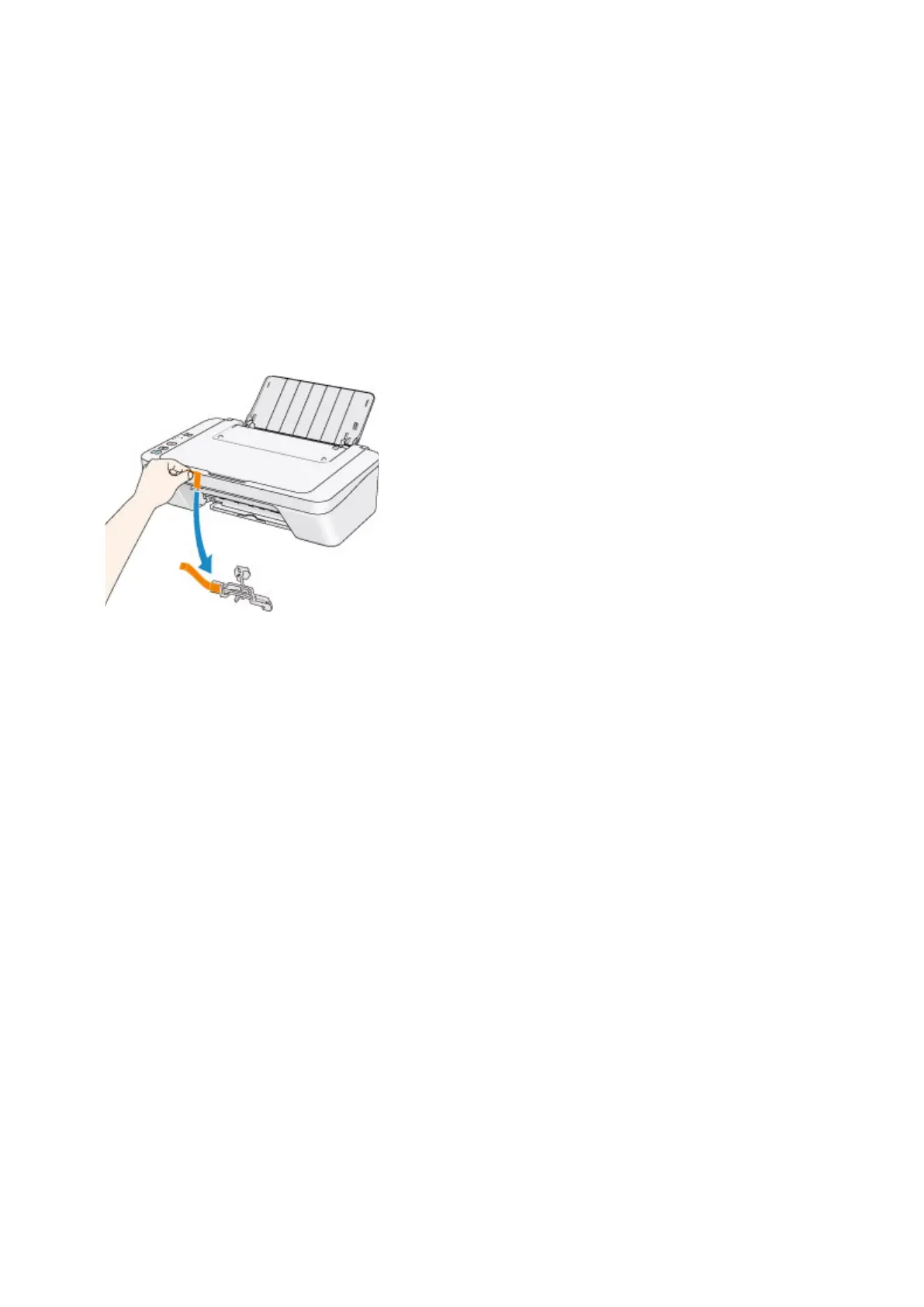
Make sure that the protective material or the tape does not remain attached to the FINE cartridge holder.
If you find the protective material or the tape remains attached, retract the output tray extension and the
paper output tray to remove the protective material or the tape.
Pull down the tape to remove the protective material.
If the cover is open, close it.
If the problem is not resolved, contact the service center.
525












 To Next Page