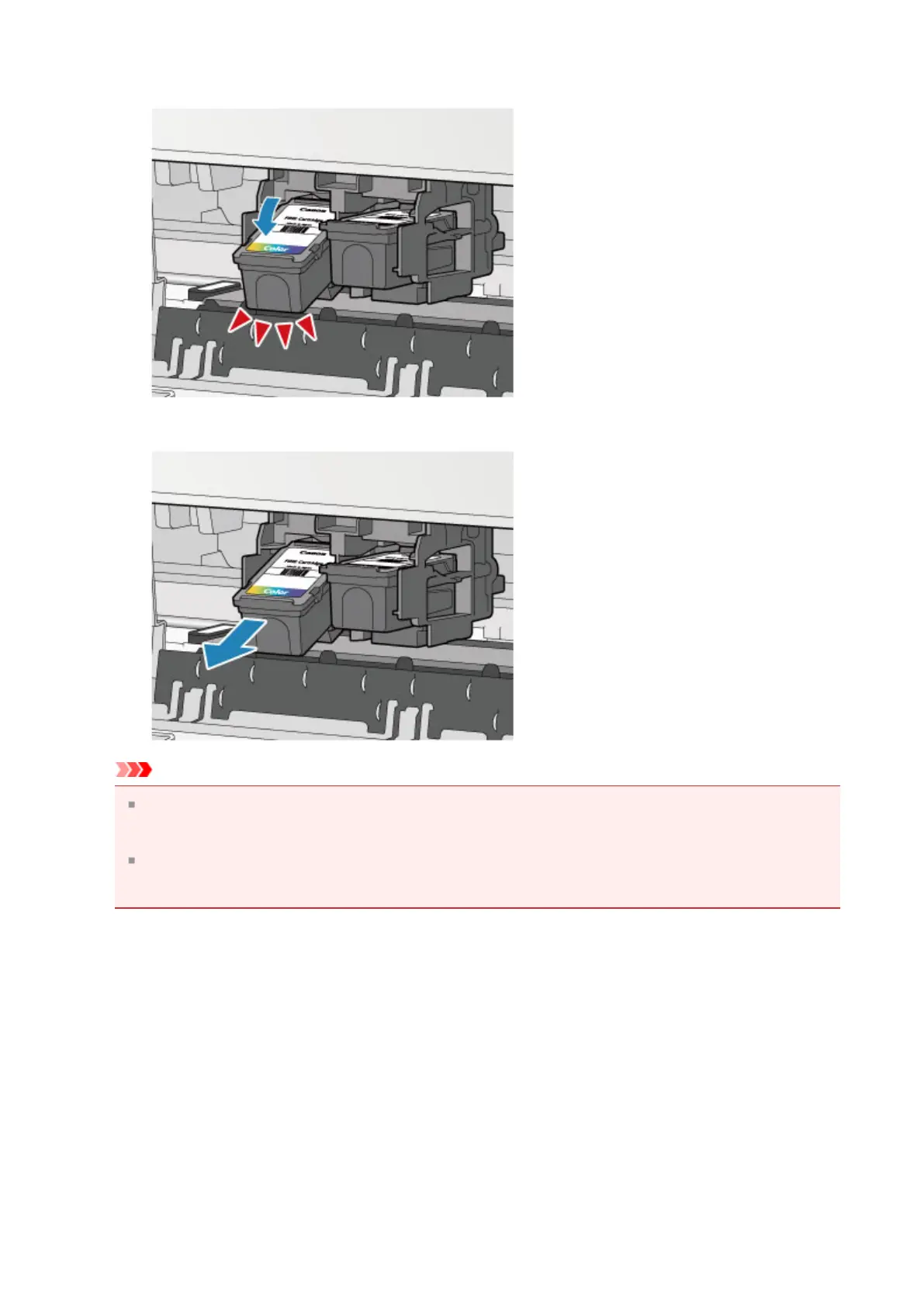
(1) Push down the FINE cartridge until it clicks.
(2) Remove the FINE cartridge.
Important
Handle the FINE cartridge carefully to avoid staining of clothing or the surrounding
area.
Discard the empty FINE cartridge according to the local laws and regulations
regarding disposal of consumables.
5.
Prepare a new FINE cartridge.
(1) Take a new FINE cartridge out of its package and remove the protective
tape (C) gently.
65












 To Next Page