12
A
Check
Before connecting the machine, are the computer and network device (router, access point, etc.) congured and can the computer connect to the network?
Congure the computer and network device.
Are the machine and network device (router, access point, etc.) turned on?
Is the rewall function of your security software active?
A message may appear on the computer monitor warning that Canon software is attempting to access the network.
If the warning message appears, set the security software to always allow access.
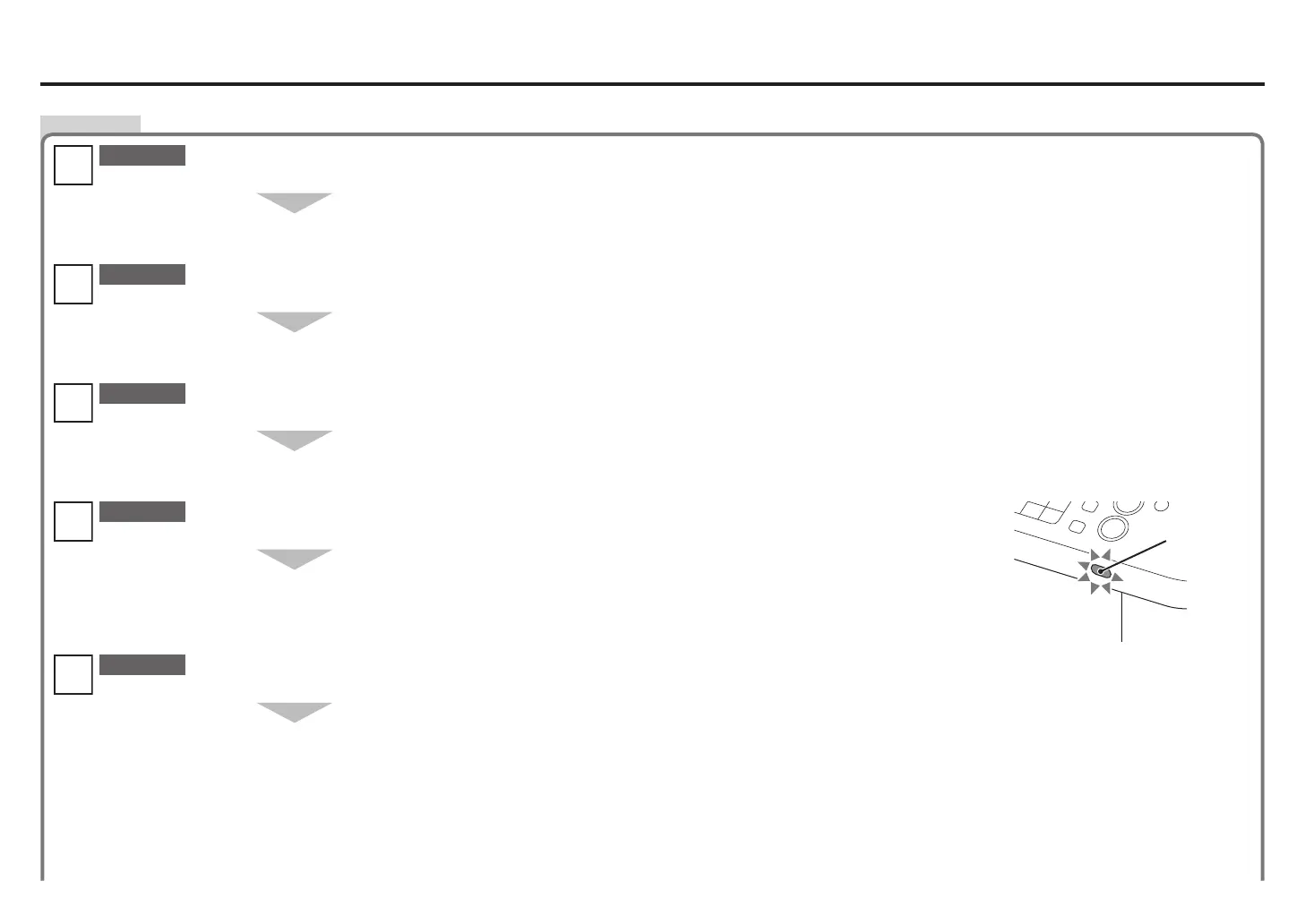
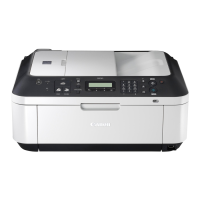
When using a wireless connection, is the Wi-Fi lamp (A) lit blue?
Turn on each device.
If the machine is already turned on, turn it off, then turn it back on.
Check 4
Check 3
Check 2
Check 1
Check 5
For the procedures, refer to the manuals supplied with the computer and network device, or contact their manufacturers.•
Are the access point and machine installed in an open space where wireless communications are possible? Also, is there a microwave oven, refrigerator, etc. nearby?
Install them in an open space with as few obstacles as possible.
Leave some space between the installation location and a microwave oven, refrigerator, etc. so that its radio waves will not affect those from the access point.
After enabling wireless LAN, perform setup again by following the procedures in "Wireless Setup" and onward in the printed manual: Getting Started.•
Press the Setup button, then using the { } [ ] and OK buttons, select Device settings > LAN settings > WLAN active/inactive >
Wireless LAN active to enable wireless LAN.
Connection Checklist









 To Next Page