11
4
3
2
1
6
5
7
8
4
3
2
1
6
5
ActionAction
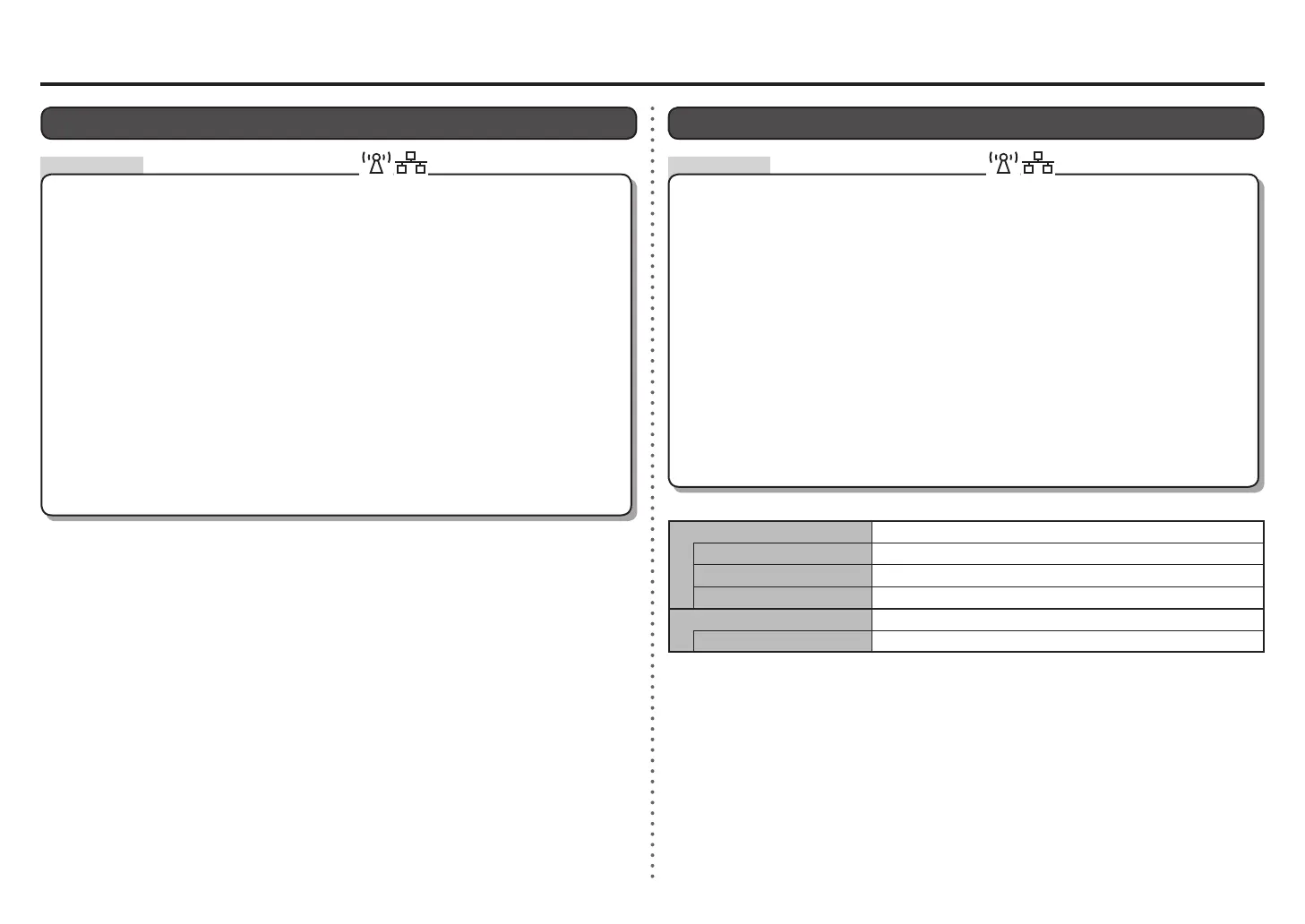
Specifying the Machine's IP Address (IPv4 only)
Press the Setup button.
Select Yes, then press the OK button.
Select IPv4/IPv6 setting, then press the OK button.
Select IPv4, then press the OK button.
Select Device settings, then press the OK button.
Select LAN settings, then press the OK button.
Select Other settings, then press the OK button.
The machine's IP Address can be specied by the following procedure.
Follow the on-screen instructions to proceed with settings.•
Select Manual setup, then press the OK button.
When the setup is complete, press the COPY button.•
Select Yes, then press the OK button.
Make sure that the completion screen appears, press the OK button.
The LAN setting of the machine is now restored to the default state.
Perform setup again by following the procedures in "Wireless Setup" and onward or "Wired Setup"
and onward in the printed manual: Getting Started.
•
The LAN settings screen returns. Press the COPY button.•
Press the Setup button.
Select Device settings, then press the OK button.
Select LAN settings, then press the OK button.
Select Reset LAN settings, then press the OK button.
Restoring the Machine's Default LAN Settings to Perform Setup Again
Follow the procedure below to restore LAN settings of the machine to the default state.
<Default State>
Wireless LAN
Inactive
SSID BJNPSETUP
Data encryption Inactive
TCP/IP setting Obtain an IP address automatically
Wired LAN Inactive
TCP/IP setting Obtain an IP address automatically









 To Next Page