2-4
■ Entering the Date and Time
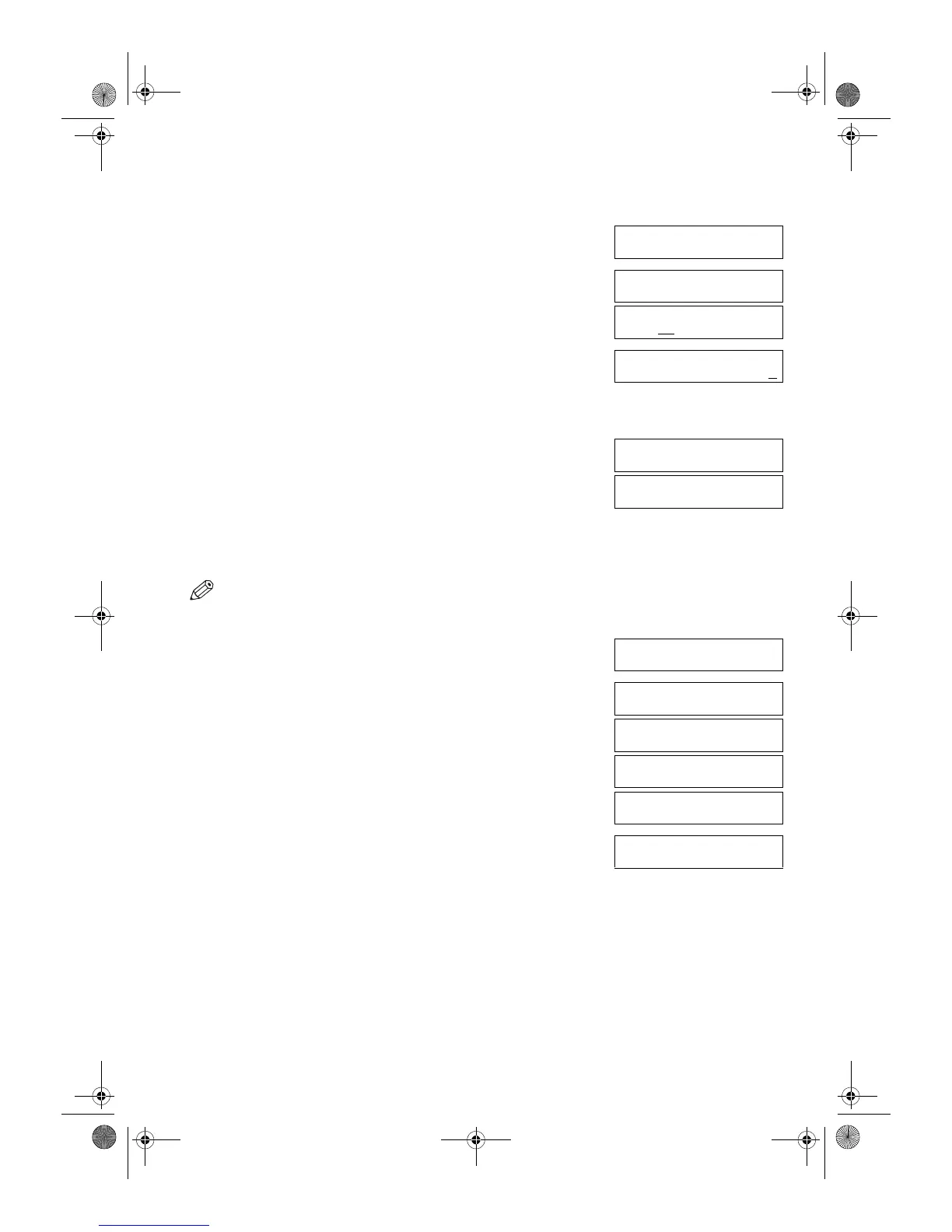
1 Press Additional Functions.
2 Use (–) or (+) to select 5.TIMER SETTINGS.
3 Press OK twice.
The date and time currently set for the machine are displayed.
4 Use the numeric keys to enter the correct day, month, year, and time in this
order.
•Use (–) or (+) to move the cursor under the number you want to change,
then press the numeric key.
• Enter only the last two digits of the year.
• Use the 24-hour format for the time setting (e.g. 1:00 p.m. as 13:00).
5 Press OK.
6 Press Stop/Reset to return to standby display.
■ Registering Your Fax/Telephone Number and Name
•The Function key will light up by pressing Function to be able to operate the Space, Delete, Clear or Tone/+ key.
1 Press Additional Functions.
2 Use (–) or (+) to select 3.FAX SETTINGS.
3 Press OK four times.
4 Use the numeric keys to enter your fax number (max. 20 digits, including
spaces).
• If you have already registered your fax/telephone number, previous entry will be
displayed. To change your fax/telephone number, use the numeric keys to enter
your fax number.
•Press Space to enter a space.
• To enter a plus sign (+) before the number, press the Tone/+ key.
• If you make a mistake, press Delete to delete the last number or press Clear to
delete all numbers you entered.
ADDITIONAL FUNCTIONS
5.TIMER SETTINGS
▲
▼
TIMER SETTINGS
1.DATE/TIME SETTING
Ex:
DATE/TIME SETTING
03
/12 ’01 12:10
Ex:
DATE/TIME SETTING
03/12 ’01 15:30
▲
▼
DATE/TIME SETTING
DATA ENTRY OK
TIMER SETTINGS
2.AUTO CLEAR
ADDITIONAL FUNCTIONS
3.FAX SETTINGS
▲
▼
FAX SETTINGS
1.USER SETTINGS
USER SETTINGS
1.TEL LINE SETTINGS
TEL LINE SETTINGS
1.USER TEL NO.
Ex:
USER TEL NO.
TEL=
Ex:
USER TEL NO.
TEL= 123 4567
02_EN.fm Page 4 Tuesday, February 19, 2002 8:20 AM



 To Next Page