3-11
3
Speed Dialling
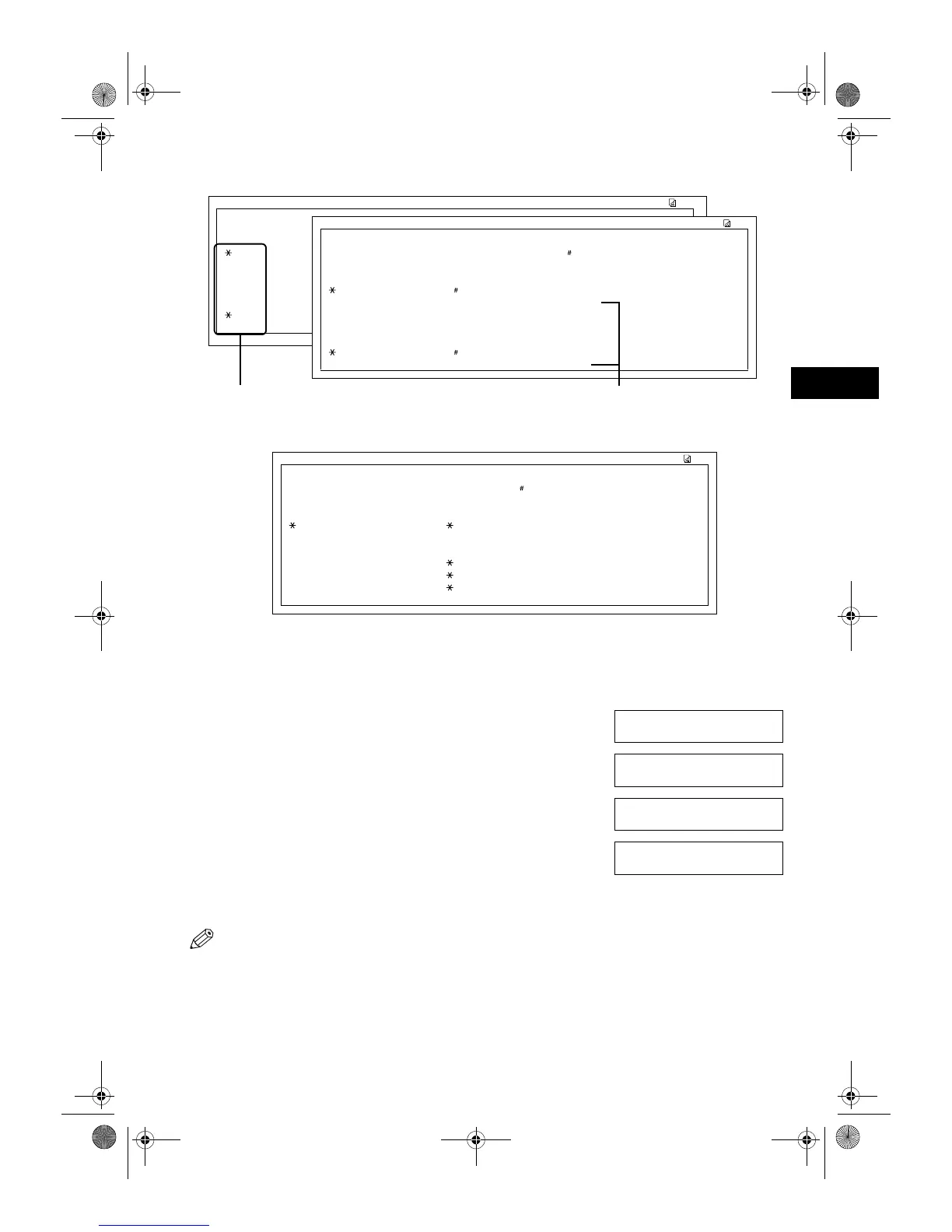
■ CODED (DETAIL)
■ GROUP DIAL LIST
■ Cancelling the Print Out List
You can cancel printing lists even after performing the printing procedure.
1 Press Additional Functions.
2 Use (–) or (+) to select 7.PRINT LISTS.
3 Press OK.
4 Use (–) or (+) to select 3.CANCEL REPORT.
5 Press OK.
6 Press (–).
• Printing is cancelled.
• If you change your mind and want to continue the printing, press (+).
• You can also cancel the printing by pressing Function (the Function key lights
up) then pressing Report.
03/12 2001 17:06 FAX 123 4567 CANON 001
✱✱✱✱✱✱✱✱✱✱✱✱✱✱✱✱✱✱✱✱✱✱✱✱✱✱✱✱
✱✱✱
GROUP DIAL TEL LIST ✱✱✱
✱✱✱✱✱✱✱✱✱✱✱✱✱✱✱✱✱✱✱✱✱✱✱✱✱✱✱✱
[ 21] Canon GROUP 1 [ 03] 516p488 6700 Canon U.S.A.
[ 01] 905 795 1111 Canon CANADA
[ 03] Canon GROUP 2 [ 00] 2131 1250 Canon DEUTSCH.
[ 02] 1 49 39 25 25 Canon FRANCE
[ 32] 81 773 3173 Canon UK
[ 04] 2 50921 Canon ITALIA
03/12 2001 17:07 FAX 123 4567 CANON 001
03/12 2001 17:07 FAX 123 4567 CANON 001
✱✱✱✱✱✱✱✱✱✱✱✱✱✱✱✱✱✱✱✱✱✱✱✱✱✱✱✱✱✱✱✱✱✱✱✱
[ 00] DESTIN ✱✱✱ CODED SPEED DIAL TEL LIST 2 ✱✱✱
DESTIN
✱✱✱✱✱✱✱✱✱✱✱✱✱✱✱✱✱✱✱✱✱✱✱✱✱✱✱✱✱✱✱✱✱✱✱✱
TX TYP [ 00] DESTINATION TEL 2131 1250
DESTINATION ID Canon DEUTSCH.
[ 02] DESTIN
DESTIN TX TYPE REGULAR TX
[ 02] DESTINATION TEL 1 49 39 25 25
DESTINATION ID Canon FRANCE
UNSORTED LIST: DESTINATIONS LISTED
IN KEY ORDER.
SORTED LIST: DESTINATIONS LISTED IN
ALPHABETICAL ORDER.
ADDITIONAL FUNCTIONS
7.PRINT LISTS
▲
▼
PRINT LISTS
1.USER DATA
PRINT LISTS
3.CANCEL REPORT
▲
▼
CANCEL REPORT?
<YES NO>
▲
▼
03_EN.fm Page 11 Tuesday, February 19, 2002 8:28 AM



 To Next Page