4-16
■ Deleting a Document from Memory
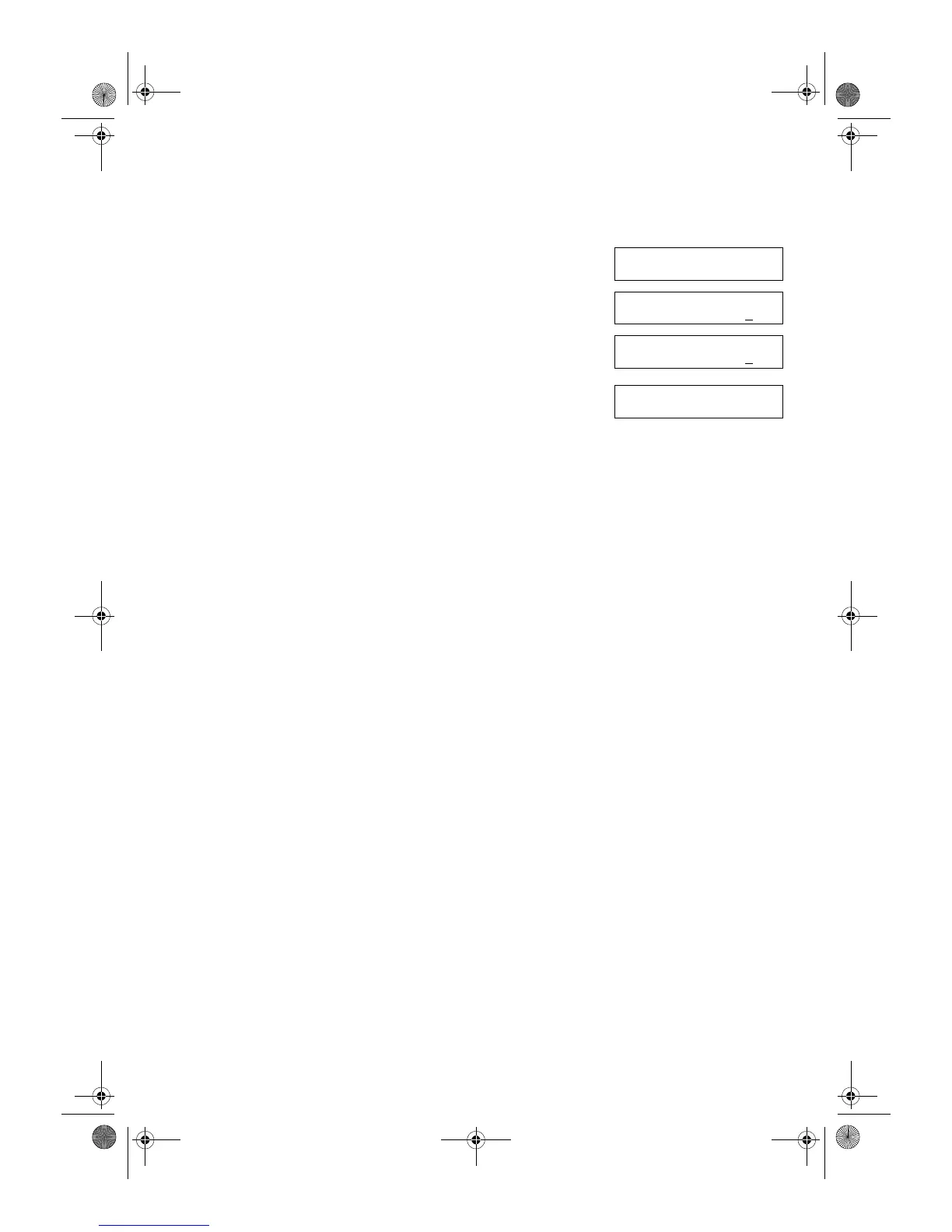
1 Press Function.
2 Press Memory Reference.
3 Use (–) or (+) to select 5.DELETE DOCUMENT.
4 Press OK.
5 Use (–) or (+) to select the transaction number (TX/RX NO.) of the
document you want to delete.
• You can enter the transaction number using the numeric keys.
6 Press OK.
• The machine asks you to confirm that you want to delete the document.
7 Press (–) to delete the document.
• The machine deletes the document.
• If you change your mind and want to keep the document in memory, press (+).
8 To continue deleting other documents in memory, repeat the procedures
from step 5.
– or –
Press Stop/Reset to return to standby display.
MEMORY REFERENCE
5.DELETE DOCUMENT
▲
▼
Ex:
DELETE DOCUMENT
TX/RX NO. 0001
Ex:
DELETE DOCUMENT
TX/RX NO. 0004
▲
▼
OK TO DELETE?
< YES NO >
▲
▼
SB_PC1270D_FG_EN.book Page 16 Monday, February 18, 2002 12:20 PM



 To Next Page