1-3
1
Introduction
Standby Display
The standby display differs depending on which mode is selected. When the machine is plugged in, the Copy Mode standby
display appears. You can switch Copy Mode to Fax Mode by pressing FAX.
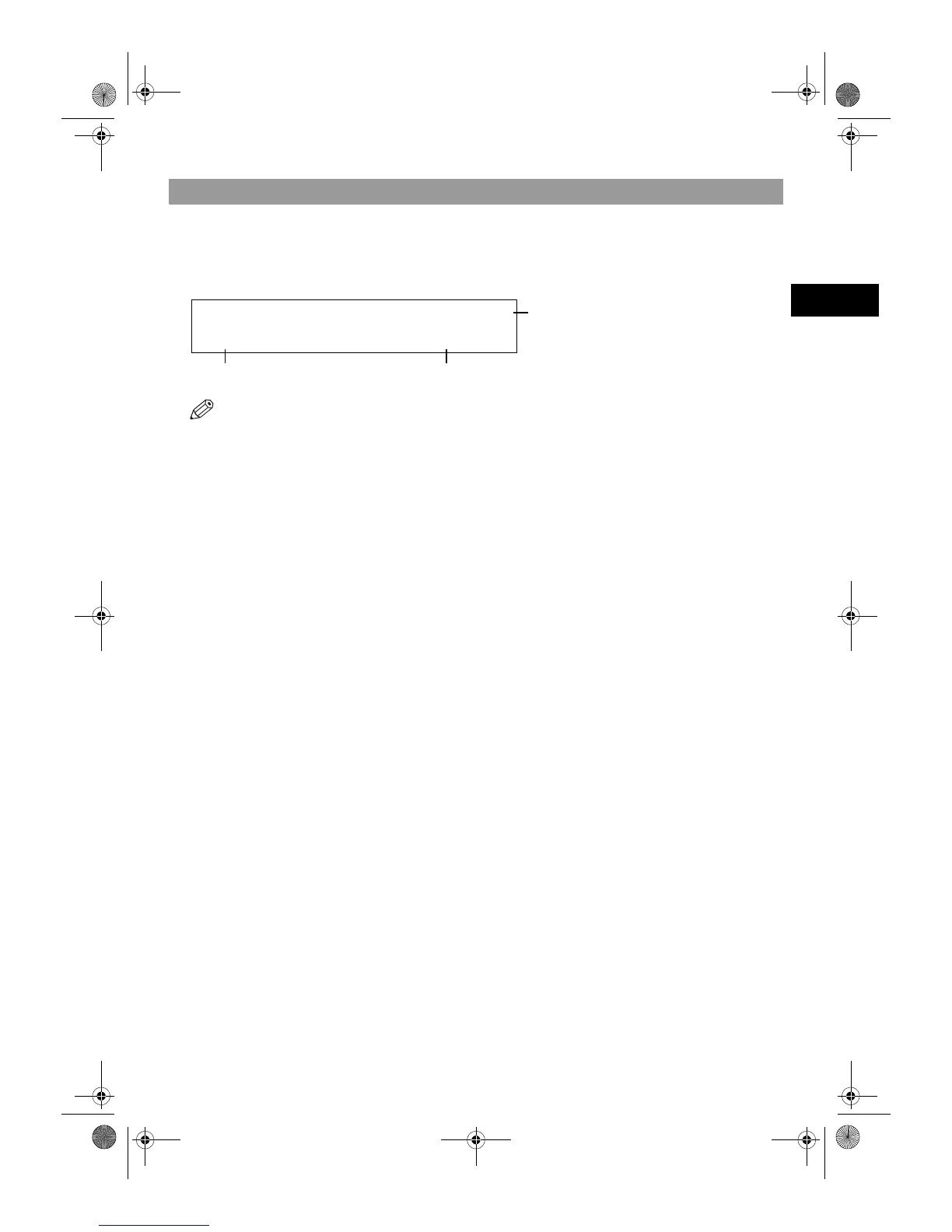
The standby display in Fax Mode is as follows:
■ Fax Mode
• The standby display in Copy Mode is, → Reference Guide.
FAX 03/12 2001 15:30
FaxTel STANDARD
Receive Mode Fax Resolution
Copy Quantity
SB_PC1270D_FG_EN.book Page 3 Monday, February 18, 2002 12:20 PM



 To Next Page