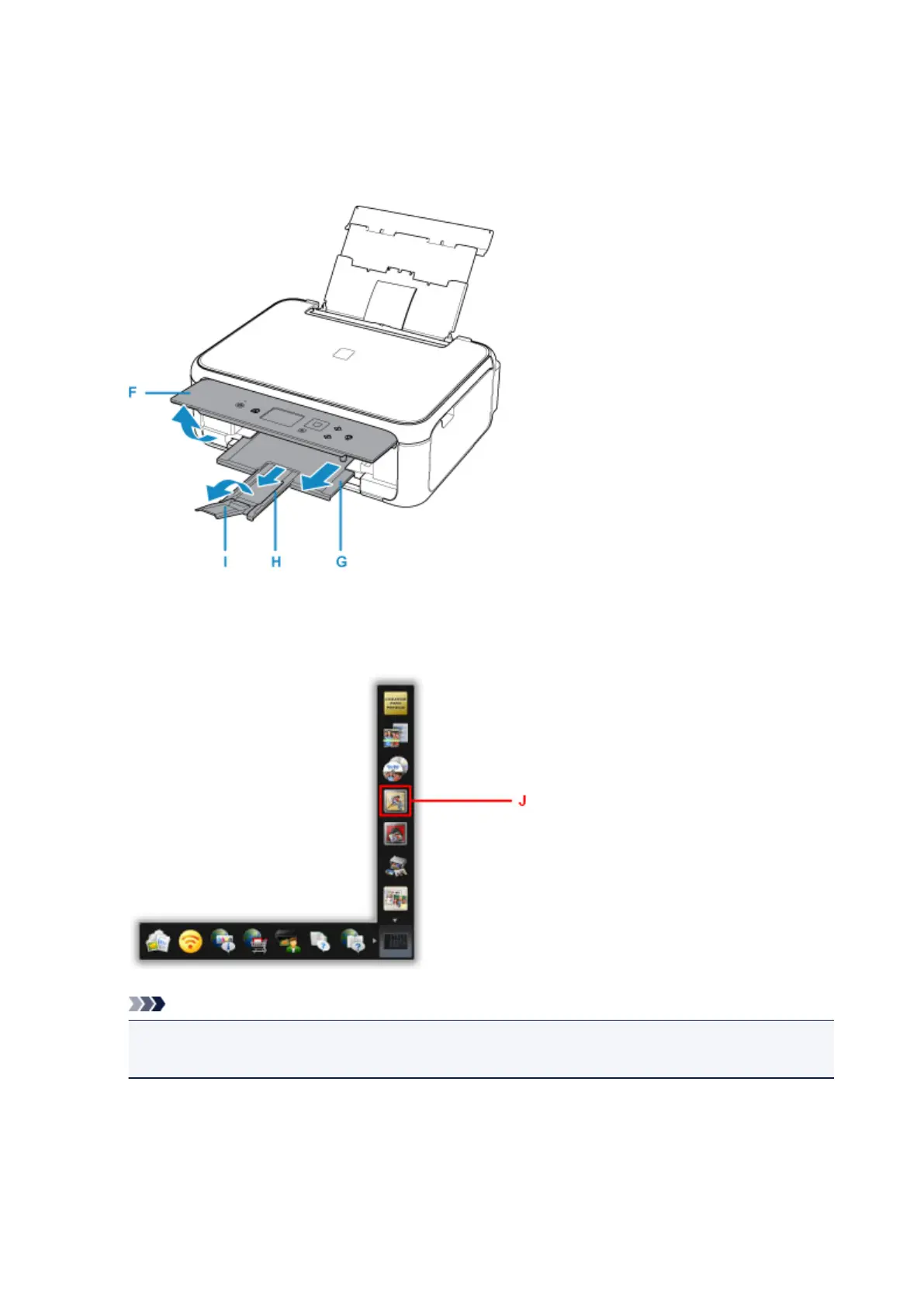
7. Open the operation panel (F), pull out the paper output tray (G) and paper output support
(H), and open the output tray extension (I).
Be sure to open the operation panel before printing. If the operation panel is close, the printer does not
start printing.
8.
Click the My Image Garden icon (J) in Quick Menu.
The Guide Menu screen is displayed.
Note
•
The number and types of icons displayed vary depending on your region, the registered printer/
scanner and the installed applications.
9. Click the Photo Print icon (K).
26












 To Next Page