10.
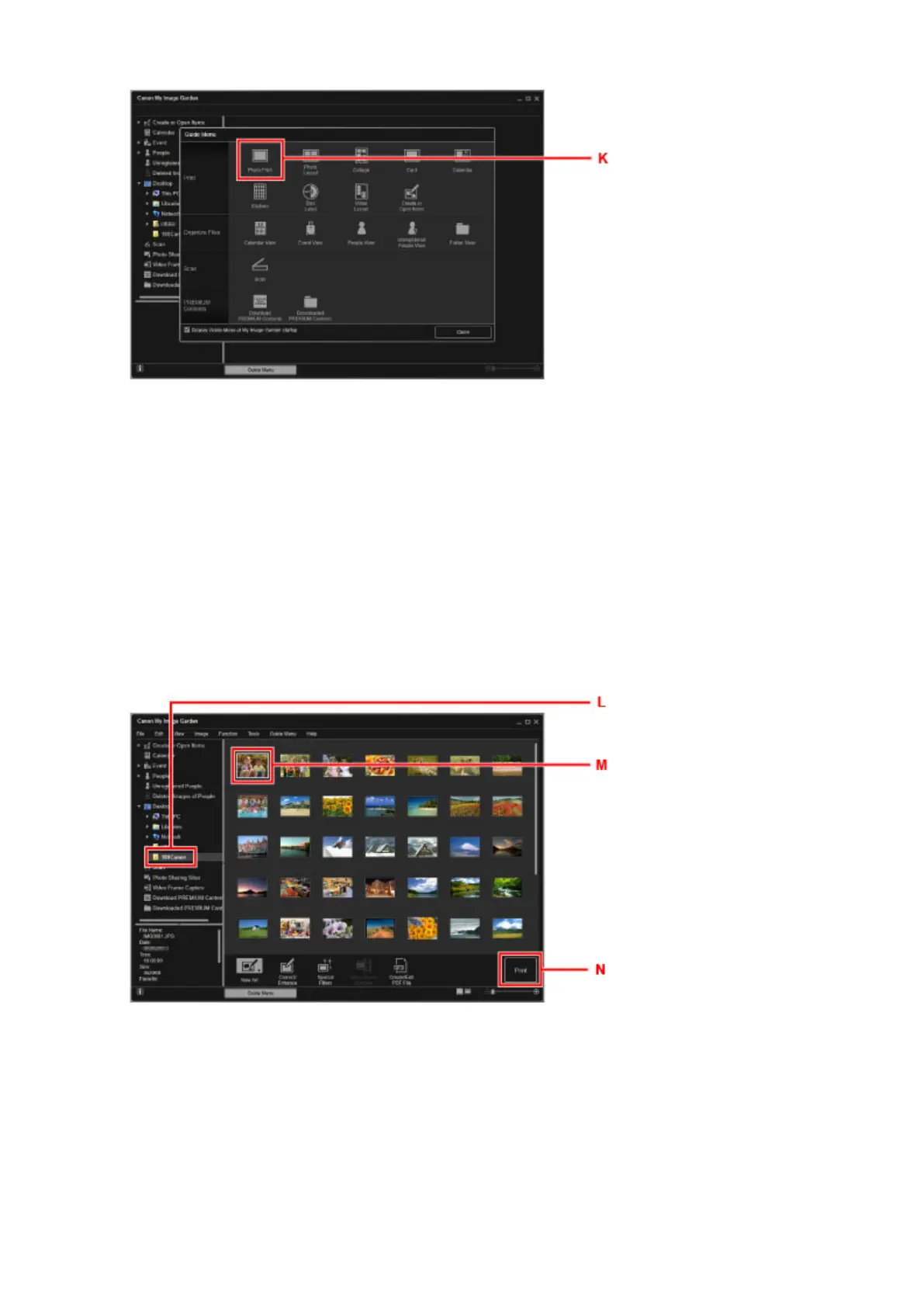
Click the folder (L) with photos you want to print.
11.
Click the photos (M) you want to print.
For Windows:
To select two or more photos at a time, click photos while pressing the Ctrl key.
For Mac OS:
To select two or more photos at a time, click photos while pressing the command key.
12.
Click Print (N).
13. Specify the number of copies, etc.
For Windows:
Specify the number of copies, your printer name, media type, etc.
27












 To Next Page