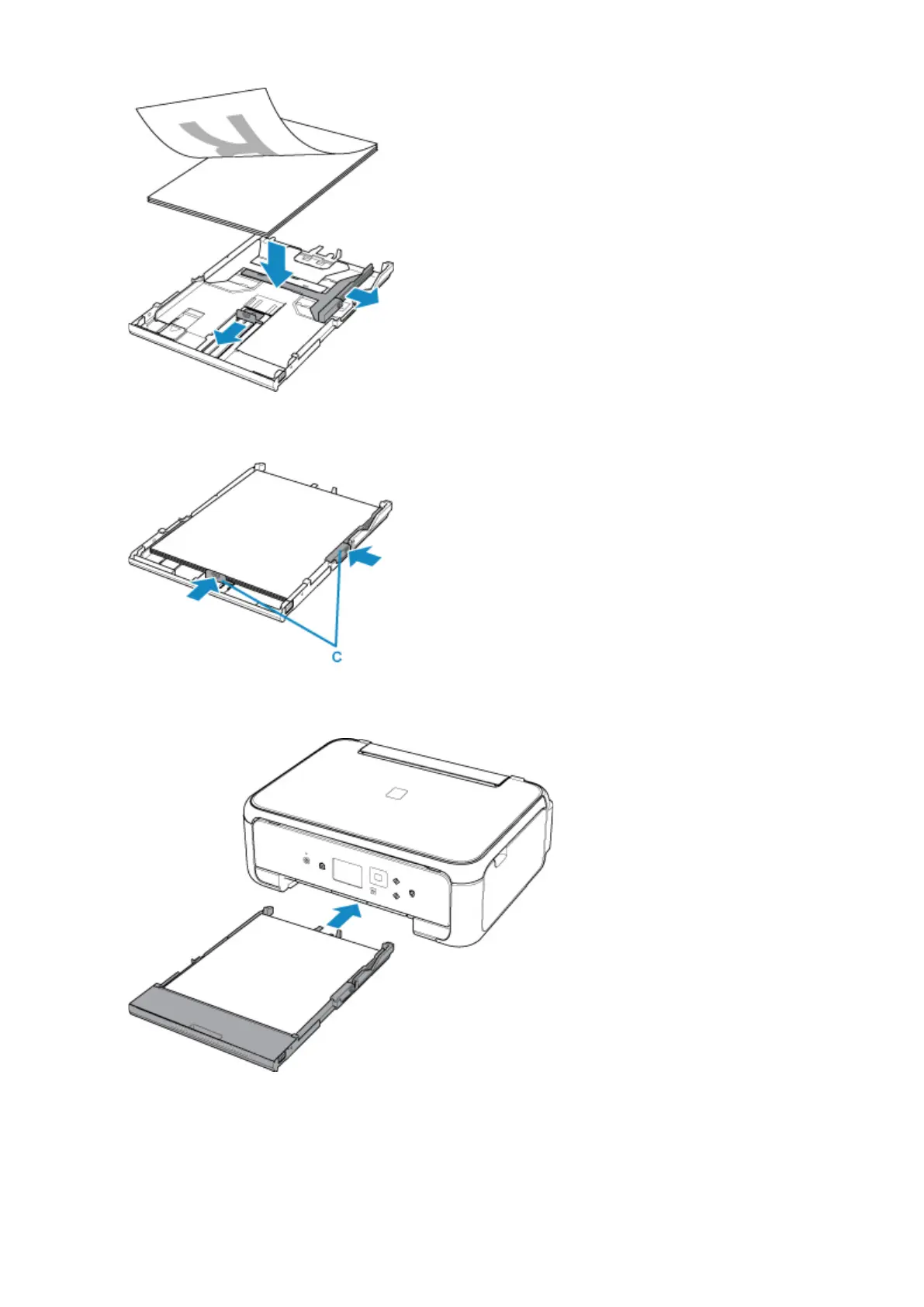
4.
Align the paper guides (C) with the paper length and width.
5.
Mount the cassette cover, and then insert the cassette into the printer.
After inserting the cassette into the printer, the paper information registration screen for the cassette is
displayed on the LCD.
6. Select the size of the loaded paper in the cassette at Page size, and then select Register.
33












 To Next Page