7.
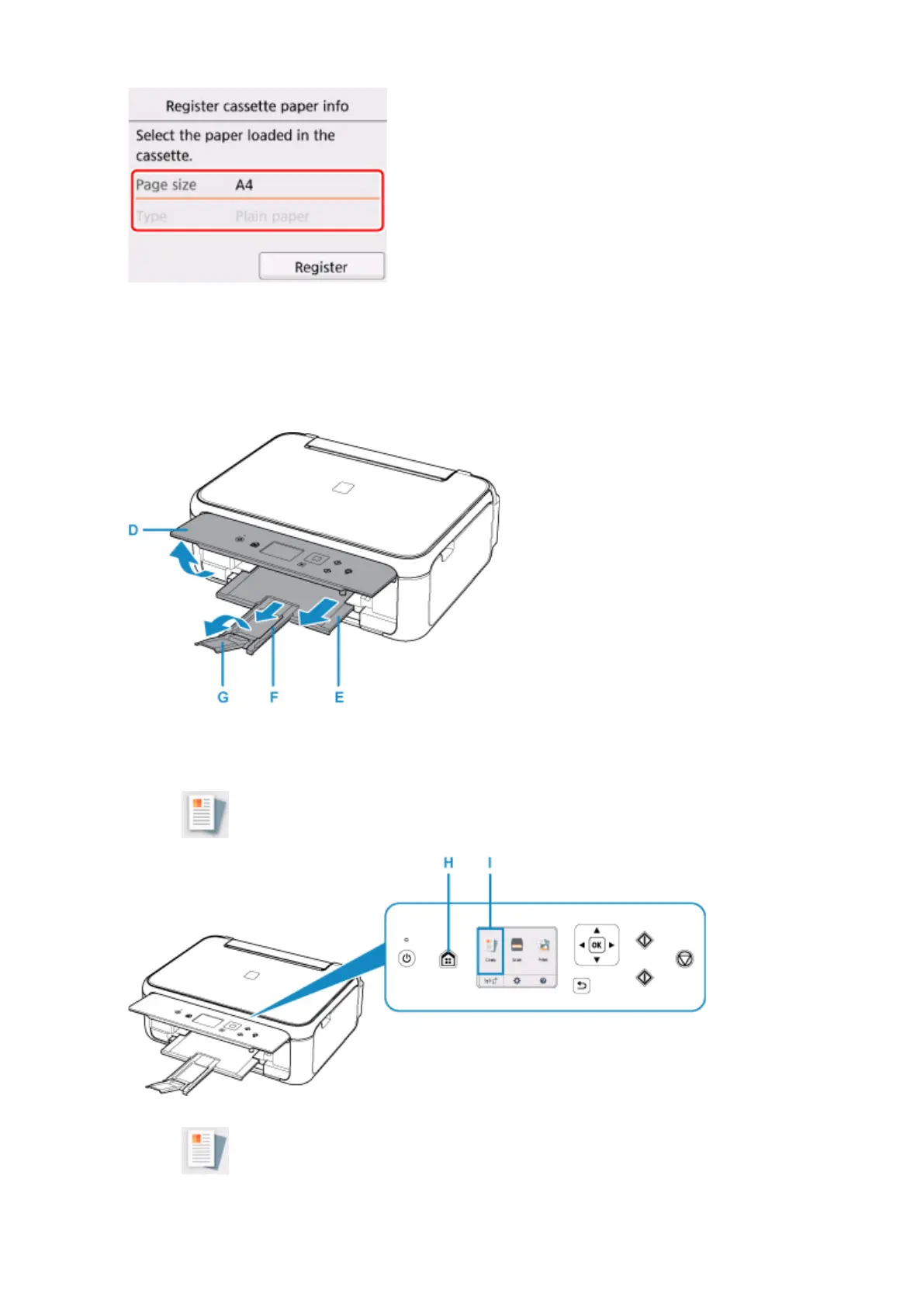
Open the operation panel (D), pull out the paper output tray (E) and paper output support
(F), and open the output tray extension (G).
Be sure to open the operation panel before printing. If the operation panel is close, the printer does not
start printing.
8.
Press the HOME button (H).
9.
Select Copy (I).
10. Select Standard copy.
34












 To Next Page