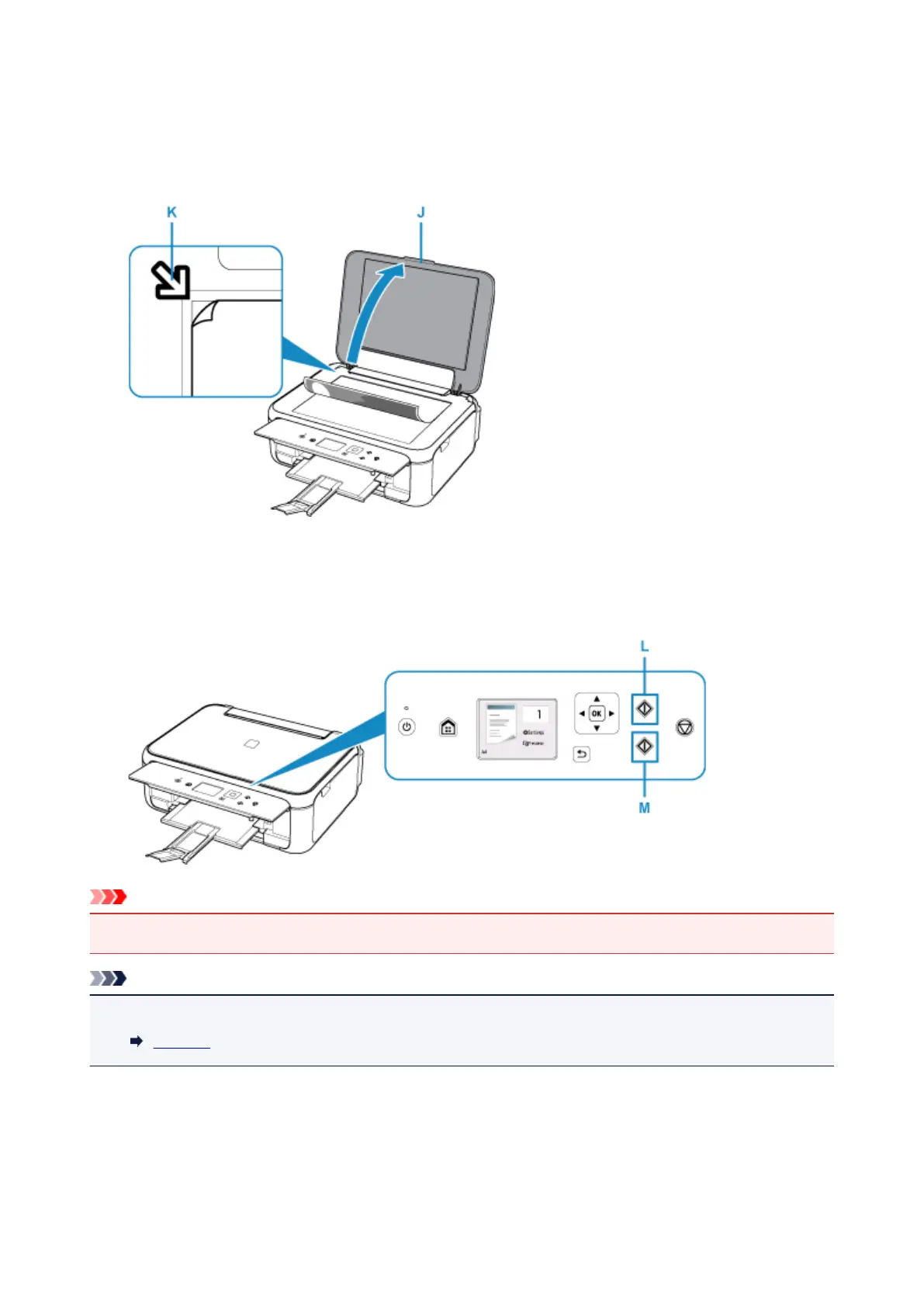
11. Open the document cover (J).
12. Load the original WITH THE SIDE TO COPY FACING DOWN and align it with the
alignment mark (K).
13.
Close the document cover.
14.
Confirm the paper settings, then press the Black button (L) or Color button (M).
Important
• Do not open the document cover until copying is complete.
Note
• Your printer is equipped with many other convenient copy features.
Copying
35












 To Next Page