EasyManua.ls Logo

Canon VM-E70 - SPECIAL PLAYBACK; Still Playback; Rewind;Review Playback; Fast Forward;Search Playback

Canon VM-E70
52 pages
Print Icon
To Next Page IconTo Next Page
To Previous Page IconTo Previous Page
Loading...
SPECIAL
PLAYBACK
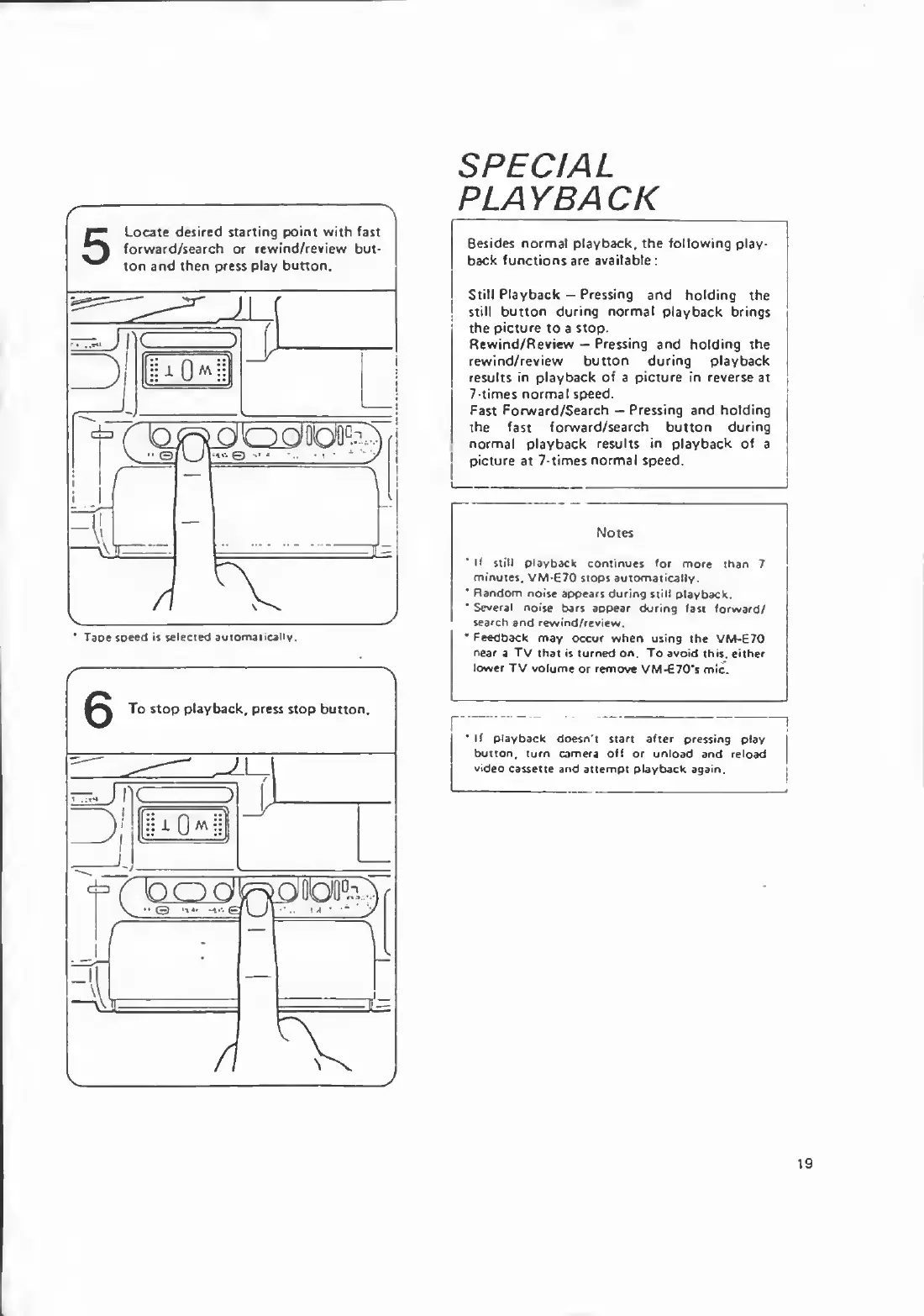
Besides
normal
playback,
the
following
play¬
back
functions
are
available:
Still
Playback
Pressing
and
holding
the
!
still
button
during
normal
playback
brings
the
picture
to
a
stop.
Rewind/Review
Pressing
and
holding
the
rewind/review
button
during
playback
results
in
playback
of
a
picture
in
reverse
at
7-times
normal
speed.
Fast
Forward/Search
Pressing
and
holding
the
fast
forward/search
button
during
normal
playback
results
in
playback
of
a
j
picture
at
7-times
normal
speed.
Notes
'
If
still
playback
continues
for
more
than
7
minutes.
VM-E70
stops
automatically.
*
Random
noise
appears
during
still
playback.
*
Several
noise
bars
appear
during
fast
forward/
search
and
rewind/review.
*
Feedback
may
occur
when
using
the
VM-670
near
a
TV
that
is
turned
on.
To
avoid
this,
either
lower
TV
volume
or
remove
VM-€70’s
mic.
If
playback
doesn't
start
after
pressing
play
button,
turn
camera
off
or
unload
and
reload
video
cassette
and
attempt
playback
again.
19

Related product manuals