24
Connecting with [Easy connection]
5
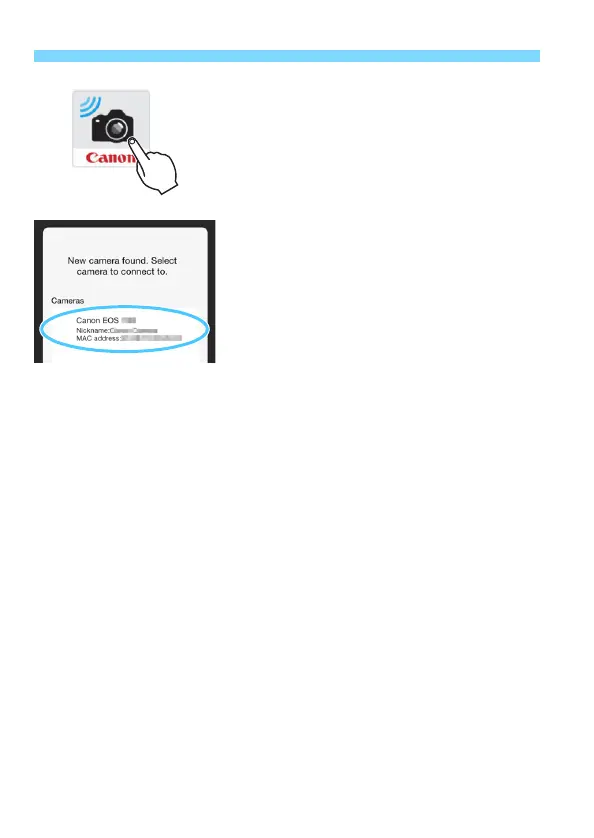
Start Camera Connect on the
smartphone.
When the [Waiting to connect]
screen is displayed on the camera’s
LCD monitor, start Camera Connect
on the smartphone.
6
Select the camera to connect to
on the smartphone.
Select and tap on the camera to
connect to from [Cameras] on
Camera Connect.



 To Next Page