10
This section explains how to register a nickname (for identification) and
the basic operation of the wireless functions.
Follow the procedures below.
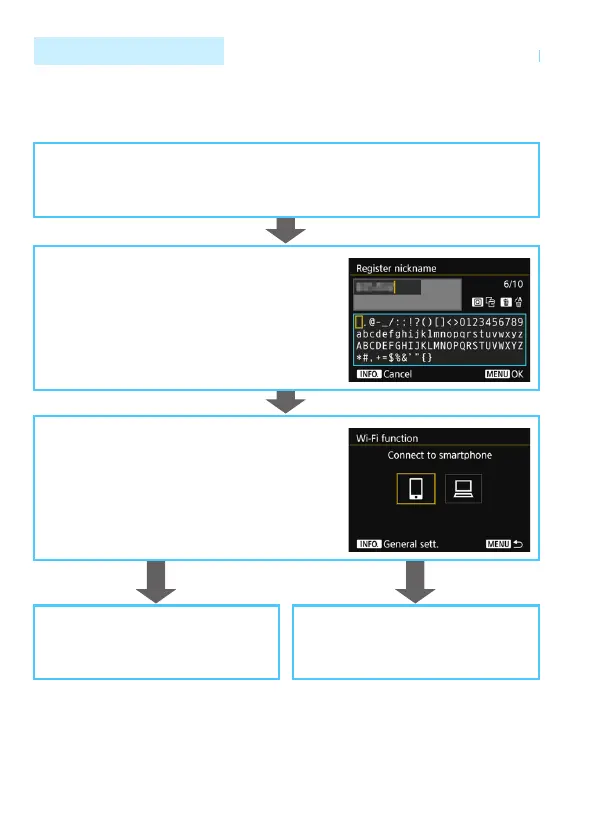
Operation Flowchart
Install the W-E1 in the camera. (p.12)
Register a nickname. (p.13)
Set the camera’s nickname.
The default nickname (the camera name) can
be used.
Be sure to set a nickname as otherwise you
cannot set the wireless functions.
Display the [Wi-Fi function] screen.
(Steps 1 and 2 on page 16)
Select a Wi-Fi function and establish a
connection.
For further settings, see “Easy Connection” or
“Advanced Connection”.
Easy Connection (p.19)
Connect the camera directly to the
device.
Advanced Connection (p.33)
Connect using a Wi-Fi access point.



 To Next Page