37
This is a connection mode available when using an access point
compatible with WPS. In pushbutton connection mode (PBC mode), the
camera and the access point can be connected simply by pressing the
WPS button on the access point.
If multiple access points are active in the surrounding area, it may be
more difficult to establish a connection. In such a case, try using
[WPS (PIN mode)] to establish a connection.
Check the position of the WPS button on the access point in
advance.
It may take approx. one minute to establish a connection.
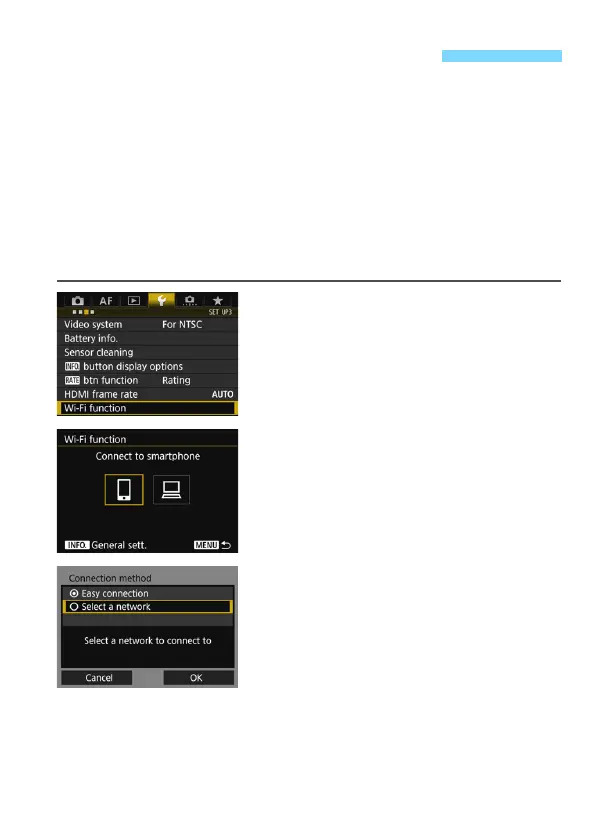
1
Select [Wi-Fi function].
Under the [53] tab, select [Wi-Fi
function], then press <0>.
2
Select an item.
Use <5> or <9> to select an item,
then press <0>.
3
Select [Select a network].
Select [OK] and press <0> to go to
the next screen.
Connecting via WPS (PBC Mode)



 To Next Page