20
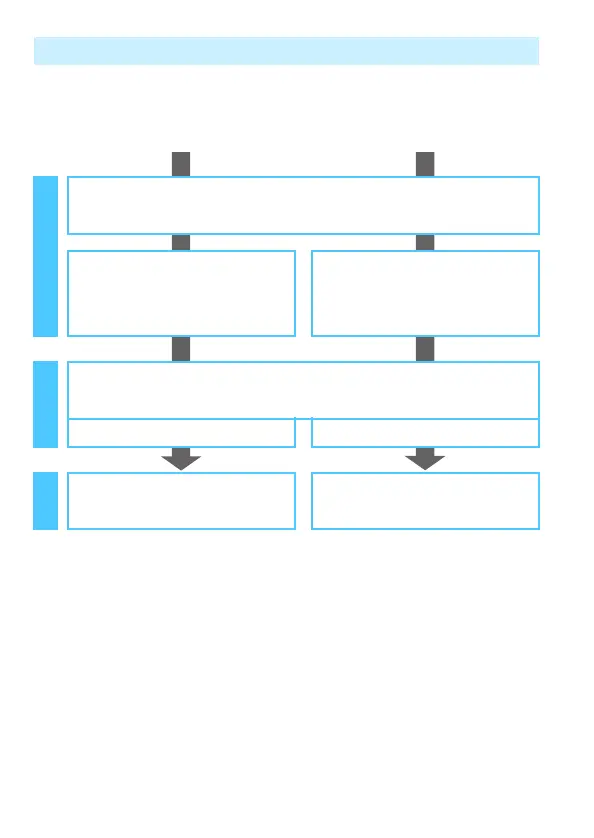
Wireless Function Operation Flowchart (Easy Connection)
q
Smartphone
D
EOS Utility
Register the camera’s nickname (p.13)
Install Camera Connect on a
smartphone (p.18)
Install EOS Utility on a computer
Register connection destinations to the camera
(p.22) (p.28)
Make images viewable and shoot
remotely (p.53)
Operate the camera remotely
(p.59)
Set upUse Connect



 To Next Page