46
Connecting to a Detected Network Manually
4
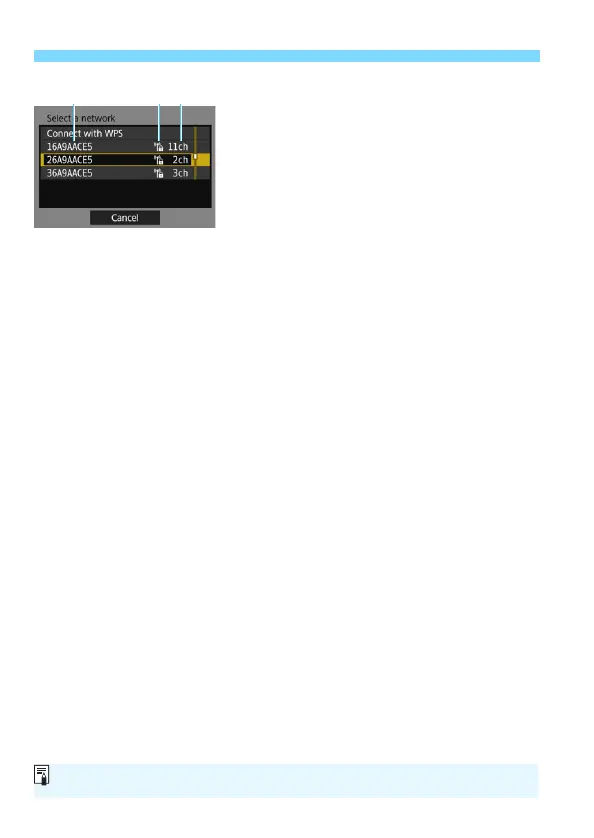
Select an access point.
Use <9> to select the access point
to connect to from the list of access
points.
(1) SSID
(2) An icon is displayed if the access point is encrypted
(3) Channel used
[Refresh] and [Manual settings]
Scroll down the screen in step 4 to display [Refresh] and [Manual
settings].
To search for access points again, select [Refresh].
To configure settings for the access point manually, select [Manual
settings]. Enter the SSID using the virtual keyboard and then
configure settings following the instructions displayed.
For [Camera access point mode] displayed in step 4, see page 50.



 To Next Page