40
Configuring FTP Server Connection Settings
8
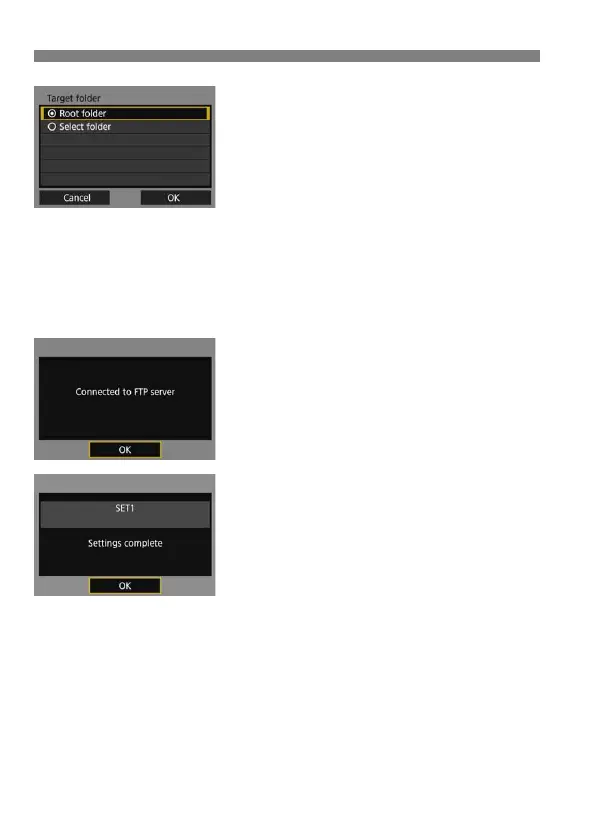
Set the target folder.
Select [Root folder] to have images
saved in the root folder as specified in
FTP server settings (p.53).
Select [Select folder] to specify a
target folder in the root folder. If no
folder exists, a folder will be created
automatically.
Select [OK] and press <0> to go to
the next screen.
The <Y> lamp on the camera will
light up in green.
9
Select [OK].
Press <0>. A connection
completion screen will appear.
10
Select [OK].
Press <0> to return to the [Network
settings] screen.
Settings information is stored in the
camera. It is not stored in the
transmitter.
The connection settings for FTP transfer are now complete.
During image transfer, the <Y> lamp on the camera blinks in green.



 To Next Page