85
Basic Linked Shooting
5
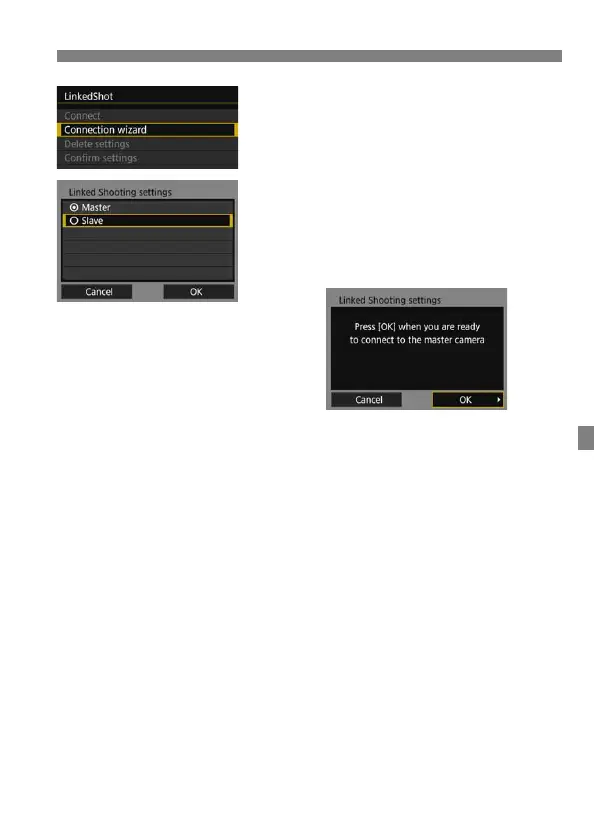
Select [Connection wizard].
6
Select [Slave].
Select [OK] and press <0> to go to
the next screen. The slave cameras
are now ready, with the following
screen displayed.
When using multiple slave cameras,
set up all slave cameras to slave
state.
Once the settings are complete,
slaves cannot be added. You must
repeat the setup process from step 1.



 To Next Page