86
Basic Linked Shooting
Set up the master camera by operating the camera to use as the
master.
7
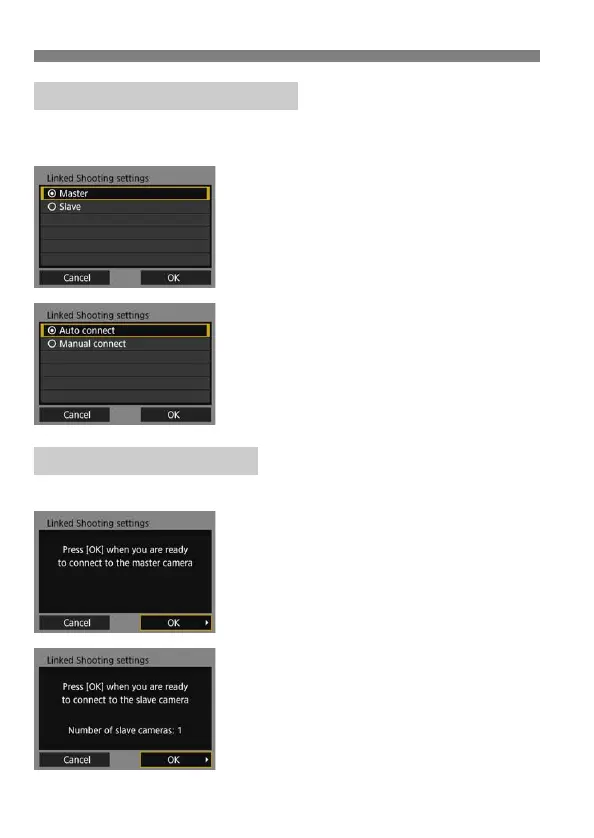
Select [Master].
Perform steps 1 to 5 on page 84 for
the master camera, then select
[Master].
Select [OK] and press <0> to go to
the next screen.
8
Select [Auto connect].
Select [OK] and press <0> to go to
the next screen.
To set manually, see page 91.
Operate the slave cameras and master camera to connect them.
9
On the slave cameras, select
[OK].
On all slave cameras, select [OK].
On the master camera’s LCD monitor,
the number of slave cameras
detected is displayed.
10
On the master camera, select
[OK].
Check the number of slave cameras,
then select [OK].
Preparing the Master Camera
Connecting the Cameras



 To Next Page