MAP1 Page 24 of 31
Installation Manual June 2018 • Rev. 1.6
1. Press and hold (4 to 8 seconds) the IP Reset PB2 pushbutton. Wait until the
internal MAP1 beeper sounds then release the button. Beeper stops sounding.
2. The system will reboot. This will take 20 to 45 seconds after which the
controller will reset all of its configurations to factory default with DHCP
enabled. Existing database will not be reset or erased.
Note: The end of the reboot cycle is indicated by a MAP1 turning back on the associated
system LEDs and at the end it will emit a series of beeps to indicate its mode e.g.
First
Access
,
Cloud Lock
or
Webster
.
3. Plug the MAP1 to the network with a DHCP server available.
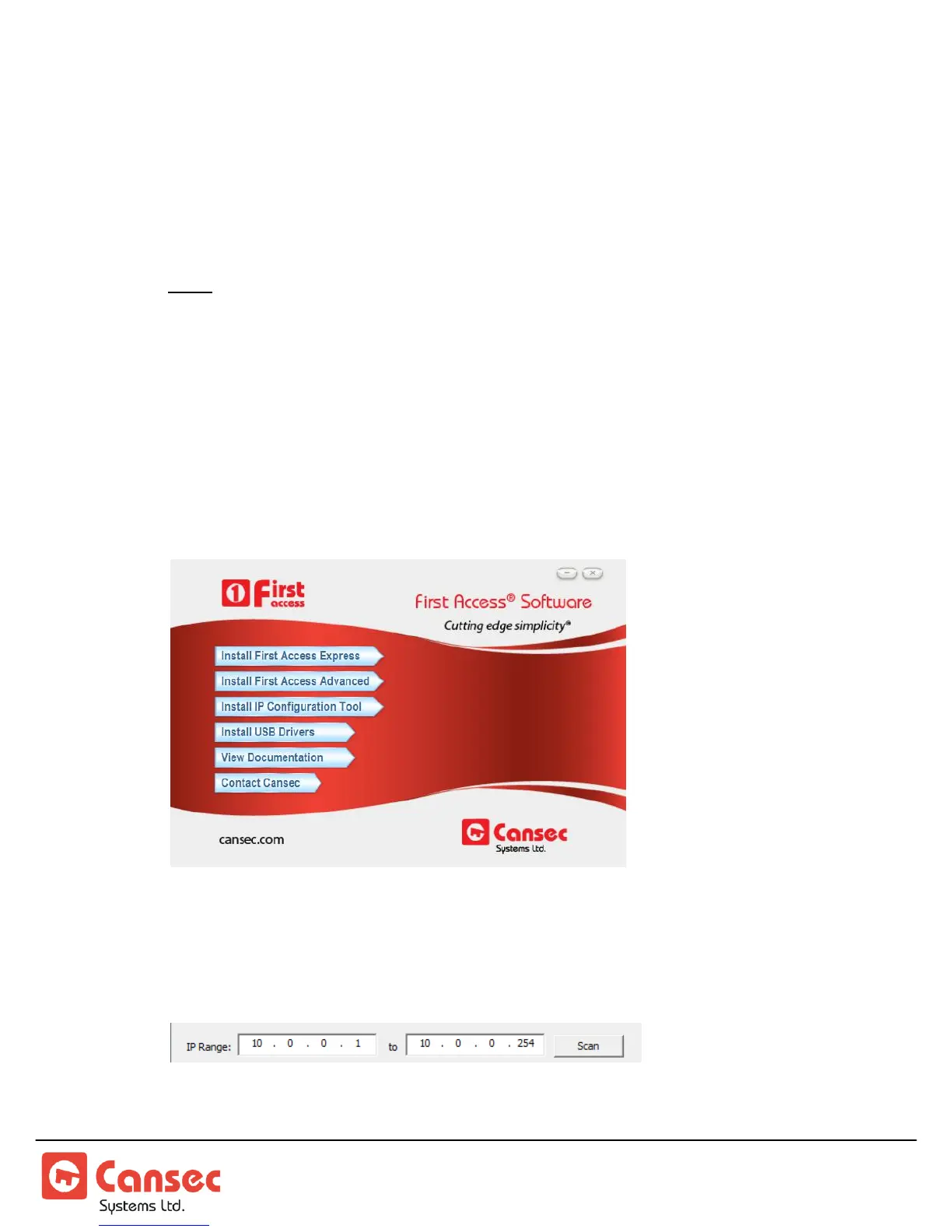
4. Install and launch MAP1 IP Configuration Tool from your computer. This tool
is available from the First Access software installation package, but is also
available as its own separate installation package which can be downloaded from
www.cansec.com/downloads.
5. In most cases, the IP Configuration Tool will detect and display the default IP
address range ready to be scanned. However, the IP address range can be
manually modified accordingly.
6. Click Scan to scan the network for all possible connected MAP1 panels.



 To Next Page