MAP1 Page 29 of 31
Installation Manual June 2018 • Rev. 1.6
Please remove this line after this file
has been correctly modified. The
MAP1 controller reads parameters in
this file during boot up sequence and
configures the IP address accordingly
after which it will write <USB INIT
DONE> to indicate that the
initialization has been done.
9. Obtain all IP address information from IT personnel and modify the file
accordingly. Remove the line <USB INIT DONE> and save the file before removing
it from your computer.
10. Repeat from step 1 to step 6 then proceed to step 11.
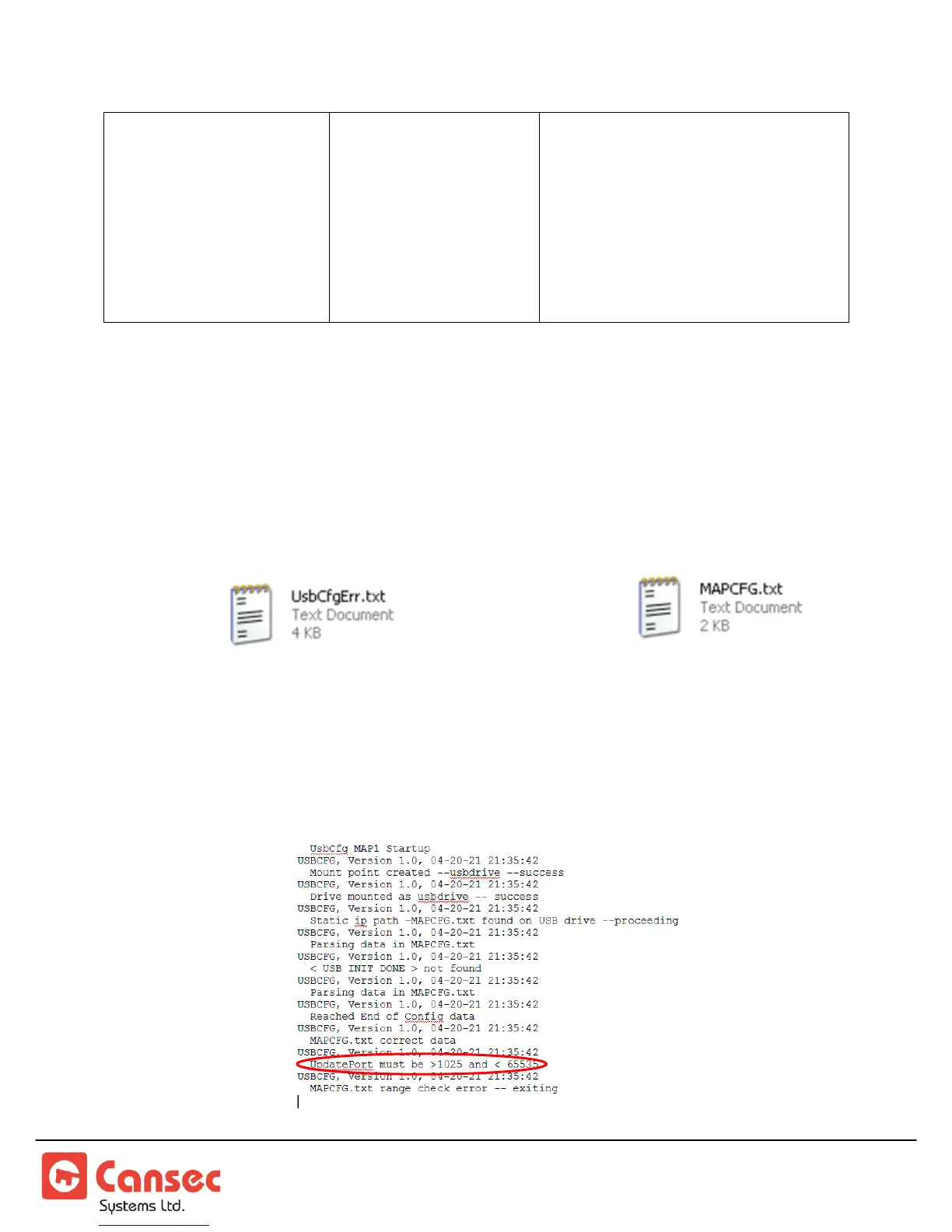
11. Insert the flash drive into a USB port on a computer. When ready, launch
Windows Explorer or File Explorer. Access the USB drive and check if there is an
error file present along with the file .
12. If no error file is present skip this step and proceed to step 13. Otherwise edit the
error file and review the errors indicated. Correct the errors in the MAPCFG.txt
accordingly and save it before removing it from the computer. Repeat step 1 to 6
then proceed to step 11. See sample error file below.



 To Next Page