• Keep re and spark away when handling fuel.
• Always stop the engine before refueling.
• Do not ll beyond the limit (bottom of the ller lter) so that fuel will not
overow. In case fuel is spilt, wipe out immediately.
Start up Inspection
Preparation
Always perform an inspection before use.
Refer to the Maintenance Schedule (page 28) for the inspection schedule and procedure.
Checking and Filling Fuel
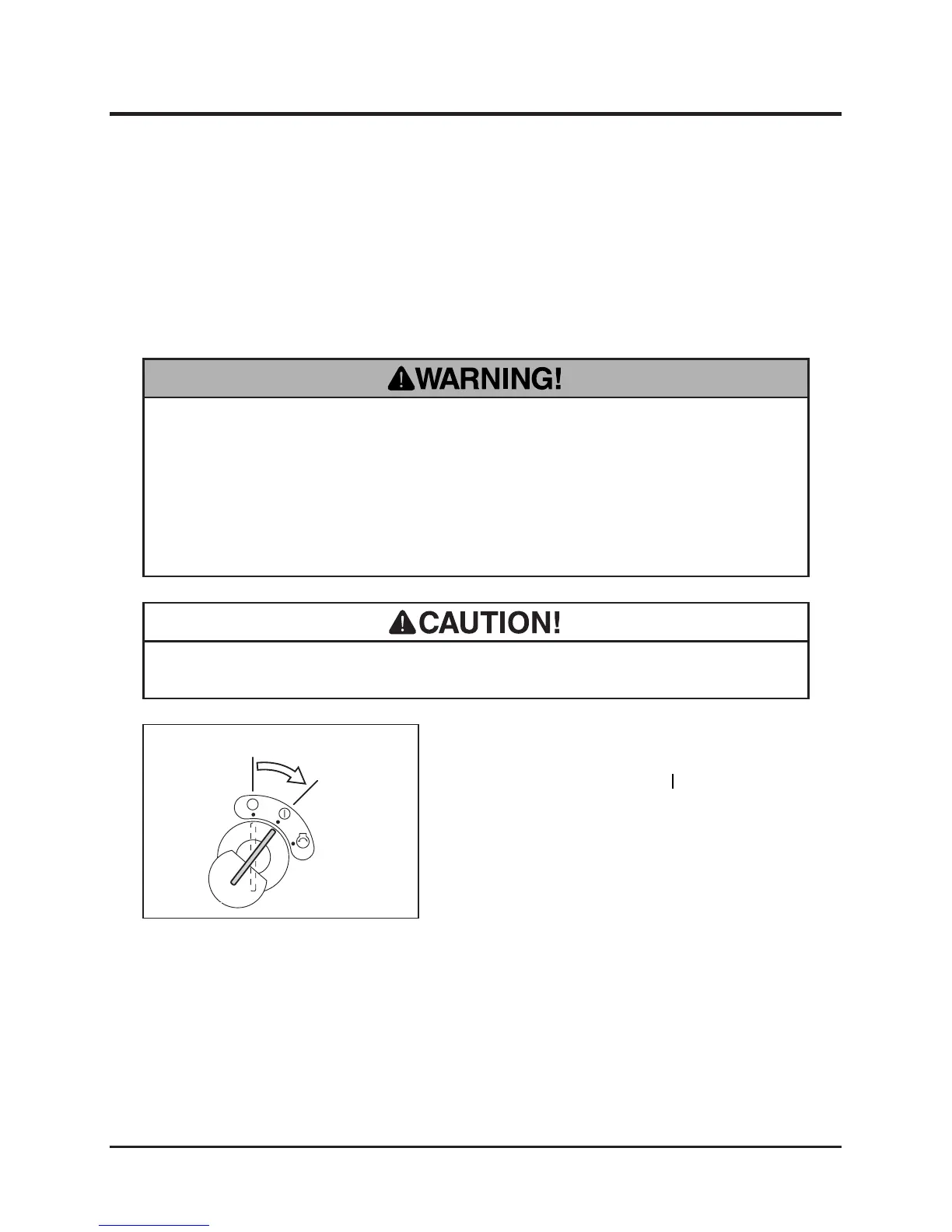
1. Insert the key into the main switch.
2. Turn the main switch to [ (run)] position.



 To Next Page