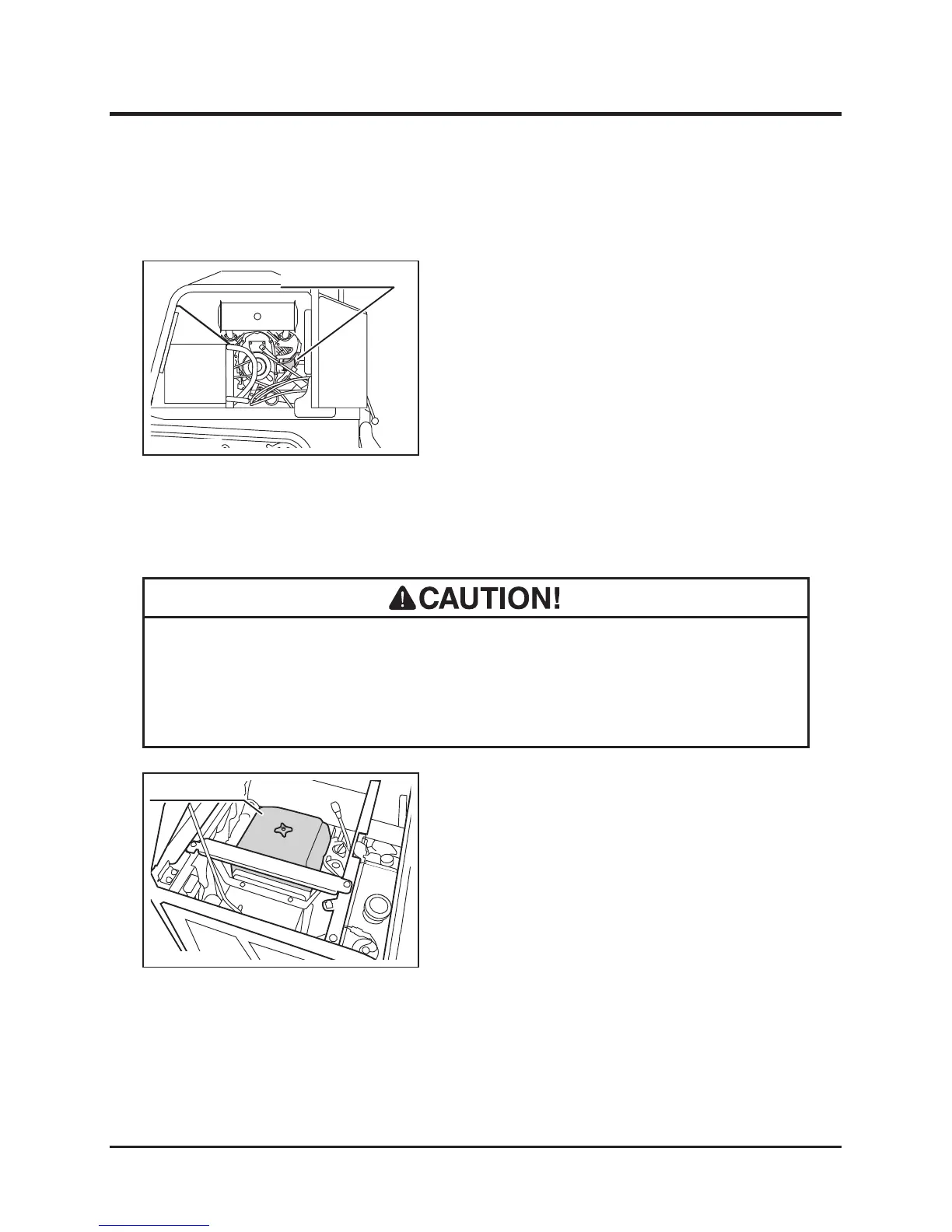
Oil Filter
1. Remove the left side panel and back panel.
(Page35)
2. Drain oil. (Page 37)
3. Follow the instructions in the Operator's
Manual for the engine to change the oil
lter cartridge.
4. Fill oil. (Page 37)
5. Run the engine and make sure that there is
no leak at the lter mount.
6. Install panels back in place.
Air Cleaner
• Clean air cleaner element regularly. Dirty cleaner element reduces engine
performance and life.
• Replace the cleaner element if damaged.
1. Open the engine hood and hold it in place
with the engine hood stay.
2. Remove the air cleaner lid.



 To Next Page