Hydraulic System
Hydraulics Belt
1. Remove the left side panel. (Page 35)
2. Visually inspect the belt. Replace the belt if
damaged.
3. Install the left side panel back in place.
(Page 35)
Inspecting
• Adjust belt tension properly. Inproperly tensioned belts may reduce
performance and its service life.
Adjusting
• Contact your CANYCOM representative
when the belt needs to be replaced.
NOTE
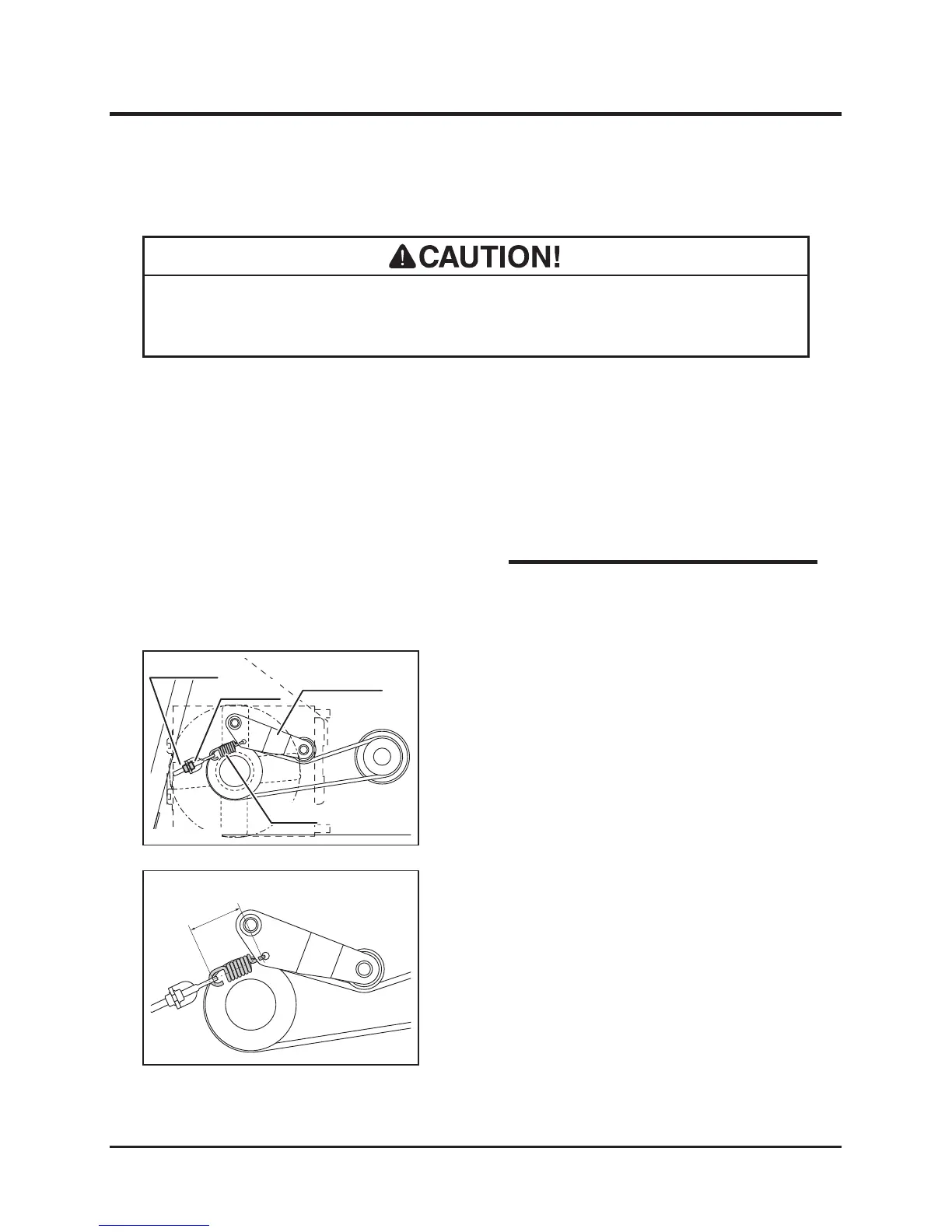
1. Locate the tension arm spring. Loosen the
lock nut.
2. Adjust the adjust nut so that the inside
dimension between the spring hooks is
between 65 and 68 mm (2.56" and 2.68").
3. Tighten the lock nut.
4. Install the left side panels back in place.
(Page 35)



 To Next Page