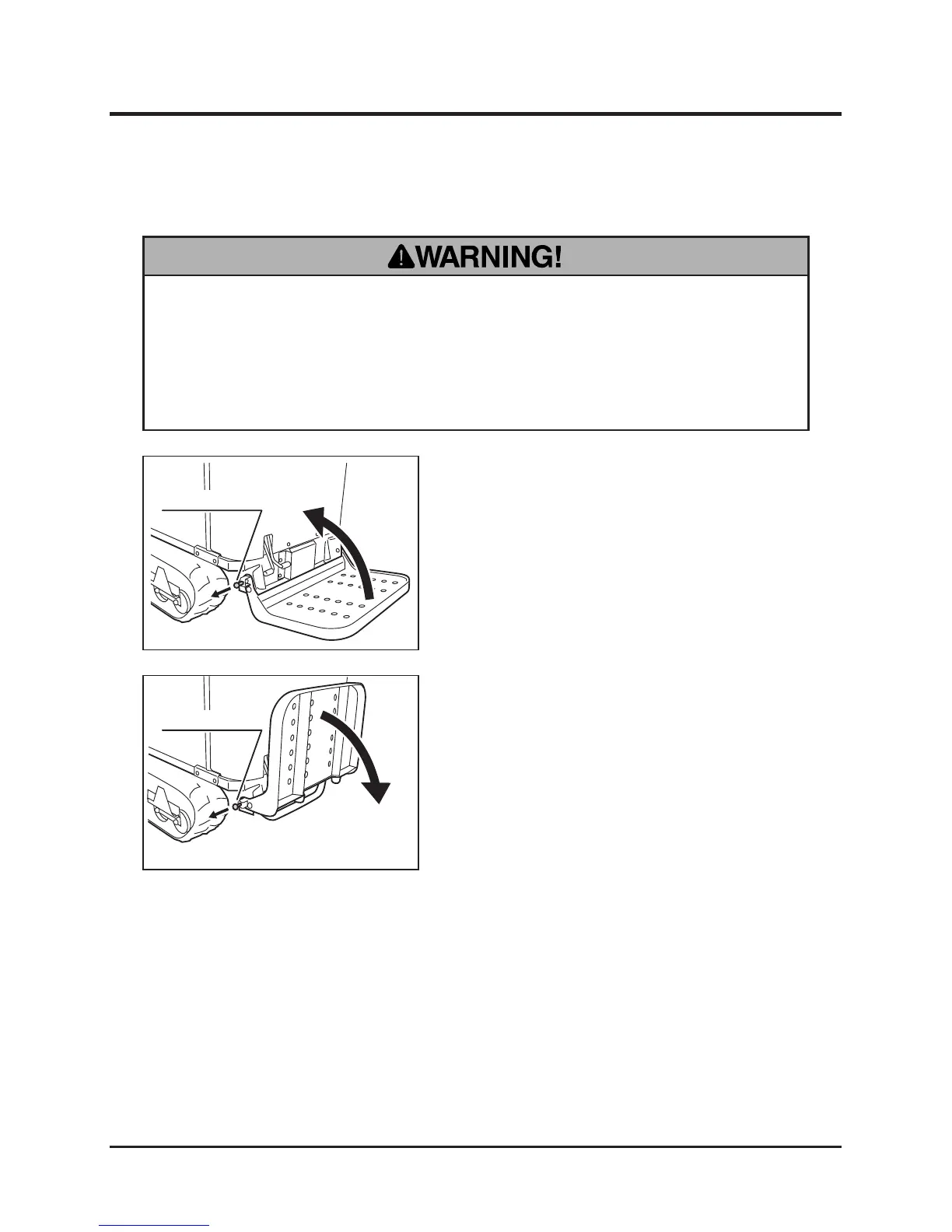
Folding/Unfolding Step
• Hold the step rmly when folding or unfolding the step. Make certain that hands
or ngers are not in the way to be caught by the step when folding or unfolding.
• Make certain that the step is securely locked with the step lock in either
position.
1. Pull the step lock knob.
2. Fold the step. Once the step is fully folded,
release the step lock knob so that the step
locks in this position.
1. Hold the step rmly and pull the step lock
knob.
2. Unfold the step. Once the step is fully
unfolded, release the step lock knob so that
the step locks in this position.



 To Next Page