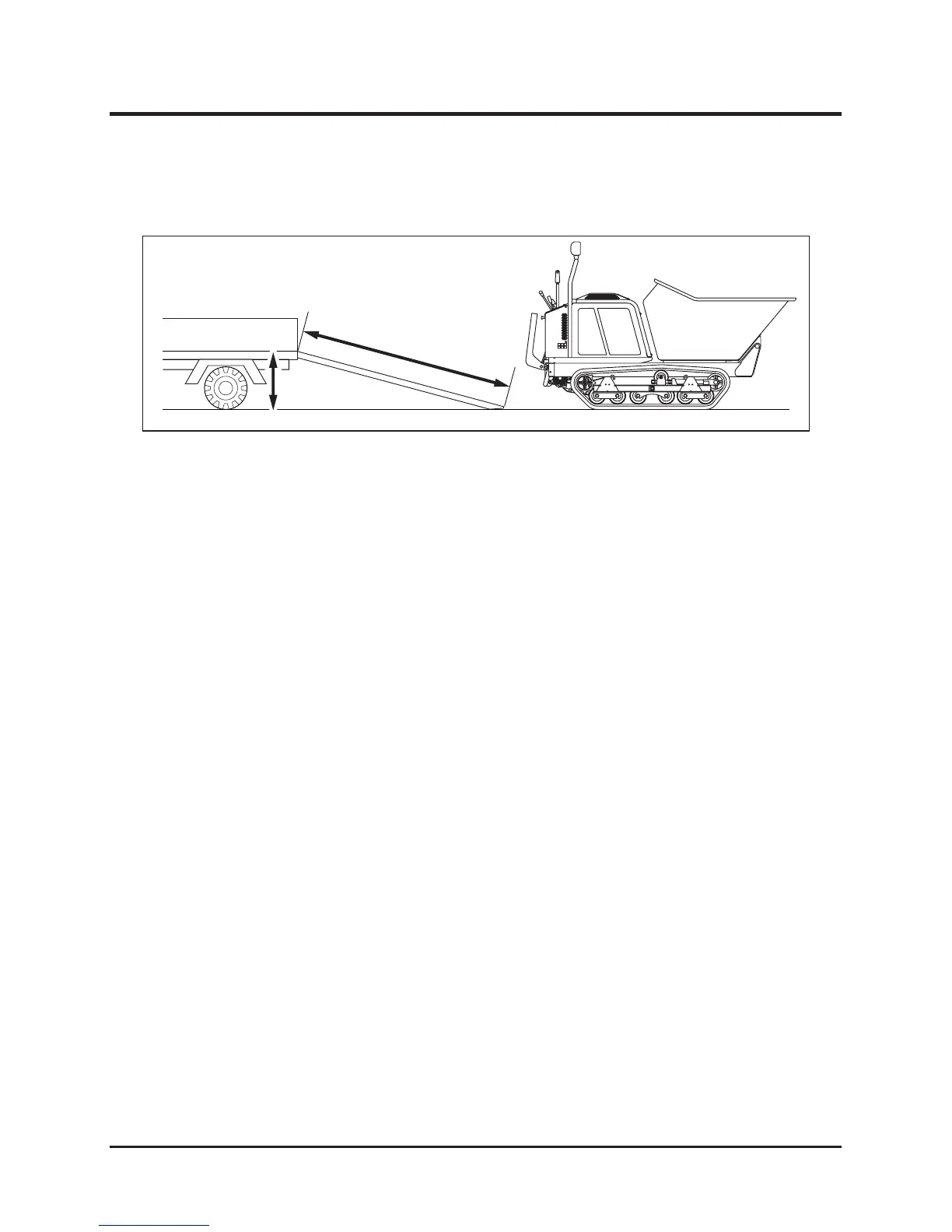
Loading and Unloading
Loading to the Transporter
1. Park the transporter. Secure the wheels with chocks.
2. Place the loading ramps. Secure the hooks of the ramps rmly and ush with the
loading deck.
3. Fold the step. (Page 27)
4. In the walk-behind mode, drive the machine slowly backward onto the loading deck.
5. Park the machine according to the instructions in "Parking" (Page 22).
6. Secure the machine onto the loading deck with rope or tie-down belts.
1. Park the transporter. Secure the wheels with chocks.
2. Undo rope or tie-downs that secure the machine.
3. Place the loading ramps. Secure the hooks of the amps rmly and ush with the loading
deck.
4. In the walk-behind mode, drive the machine slowly forward from the loading deck to the
ground.
Unloading from the Transporter



 To Next Page