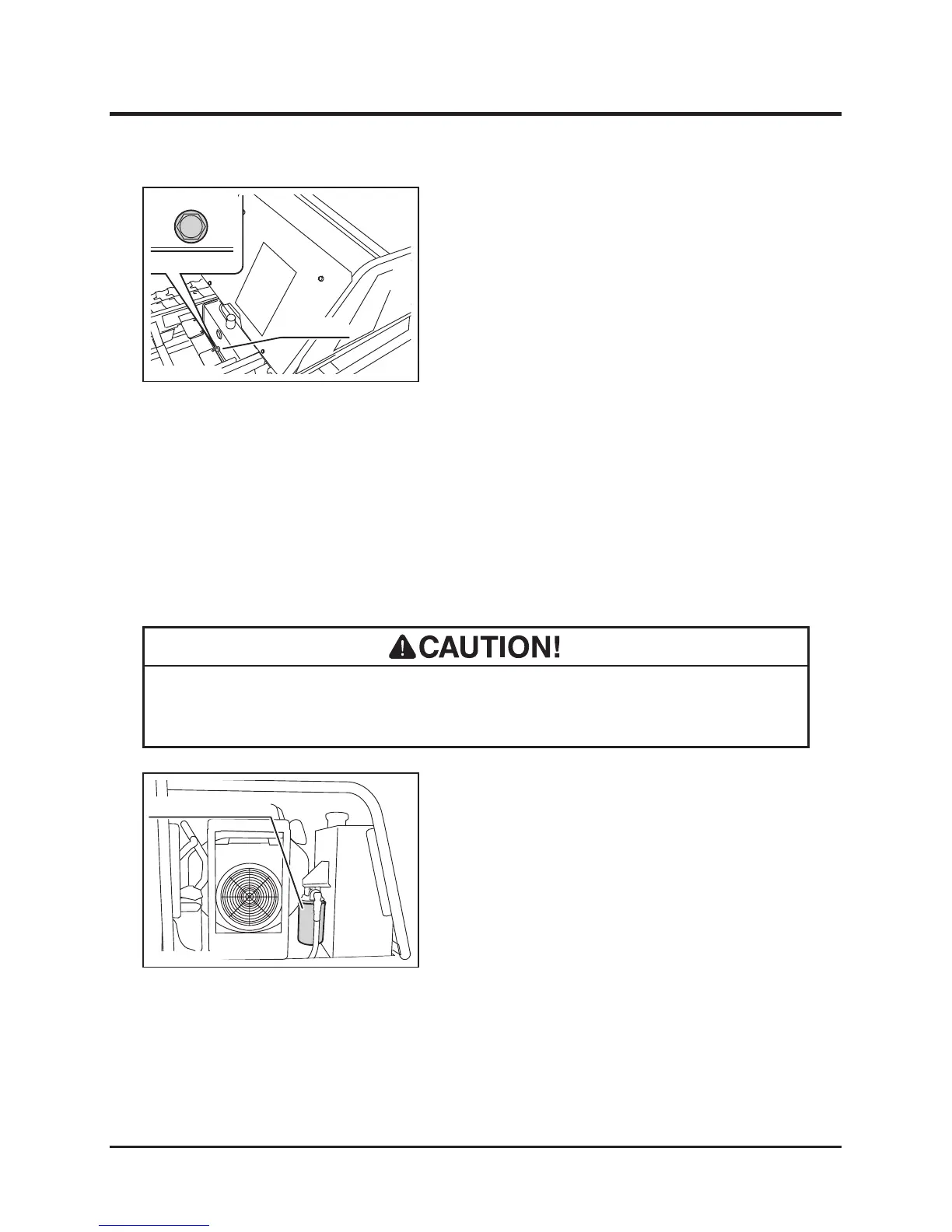
Line Filter and Suction Filter
• Burn hazard; pay special attention when handling the hydraulic uid. Hot uid
may cause burns.
1. Remove the right side panel (Page 35).
2. Drain HST uid. (Above, "Changing")
3. Remove the line lter cartridge with an oil
lter wrench.
4. Have a new line lter cartridge. Apply clean
hydraulic uid (oil) on the cartridge oil seal
evenly.
5. Screw in the new line lter cartridge. Tighten
it by hand until the cartridge is rmly in place.
6. Fill HST uid.
7. Start the engine and engage the clutch to
circulate the uid. Watch for a leak.
8. Install the right side panel. (Page 35)
1. Have an appropriate oil drain pan.
2. Lift the bucket and hold the bucket with the
safety prop. (Page 26) Lock the dump lever
with lock plate.
3. Remove the drain plug to drain uid.
4. Wipe the drain plug and drain hole clean.
Put the drain plug back in place. Tighten it
securely.
5. Open the ller cap to ll uid. Put the ller
cap back in place.
6. Undo the safety prop and lower the bucket.
7. Start the engine and engage the clutch to
circulate the uid.
8. Inspect the uid level.
Changing
Changing Line Filter



 To Next Page