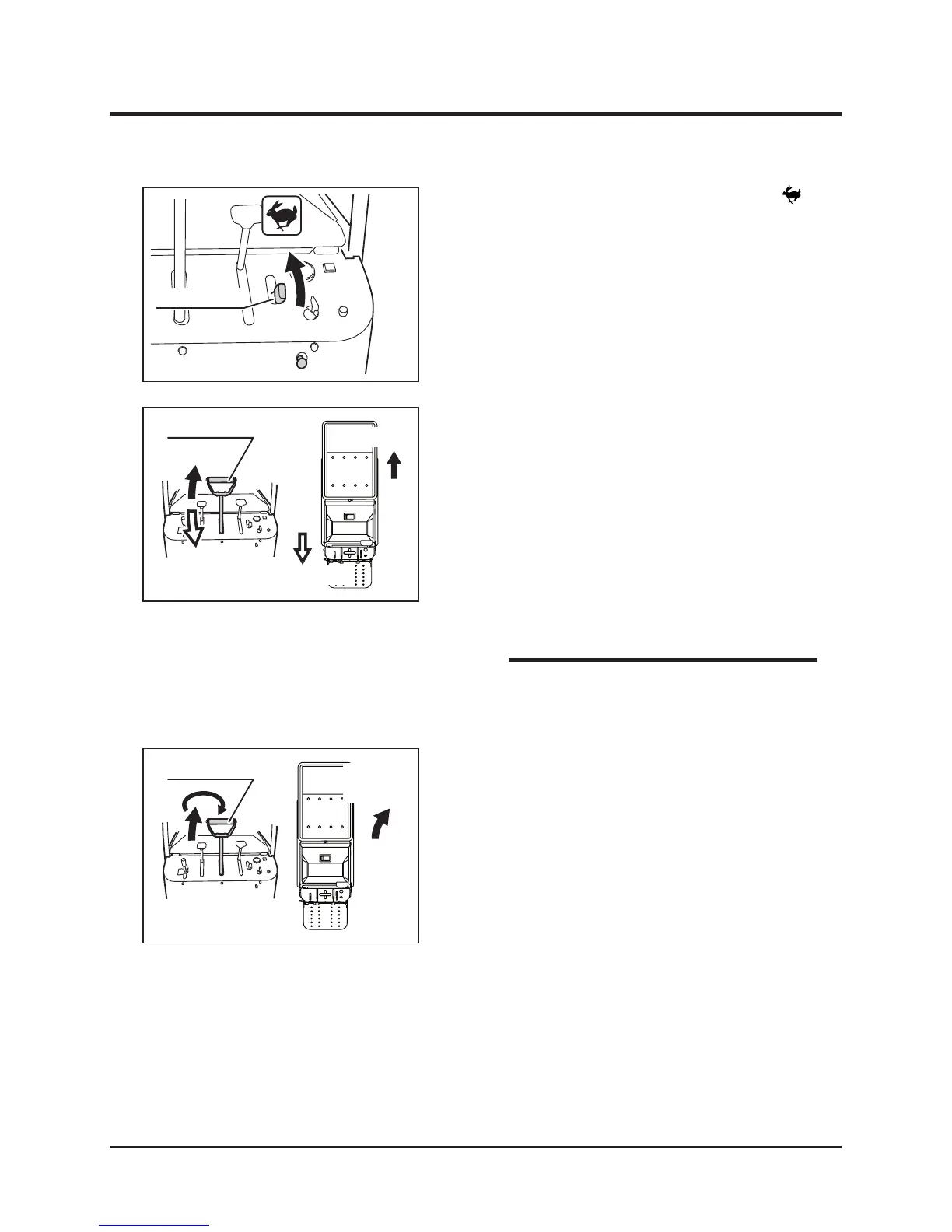
4. Move the control stick forward gradually to
move the machine forward. The angle of the
control stick controls the machine speed.
5. Move the control stick backward gradually to
move the machine backward. The angle of
the control stick controls the machine speed.
6. Move the control stick gradually forward and
twist it right (clockwise) to turn right.
Moving Forward
Moving Backward
NOTE
Turning while Traveling Forward
3. Move the thr ott le lever towar d [
(fast)] position to increase the engine speed.



 To Next Page