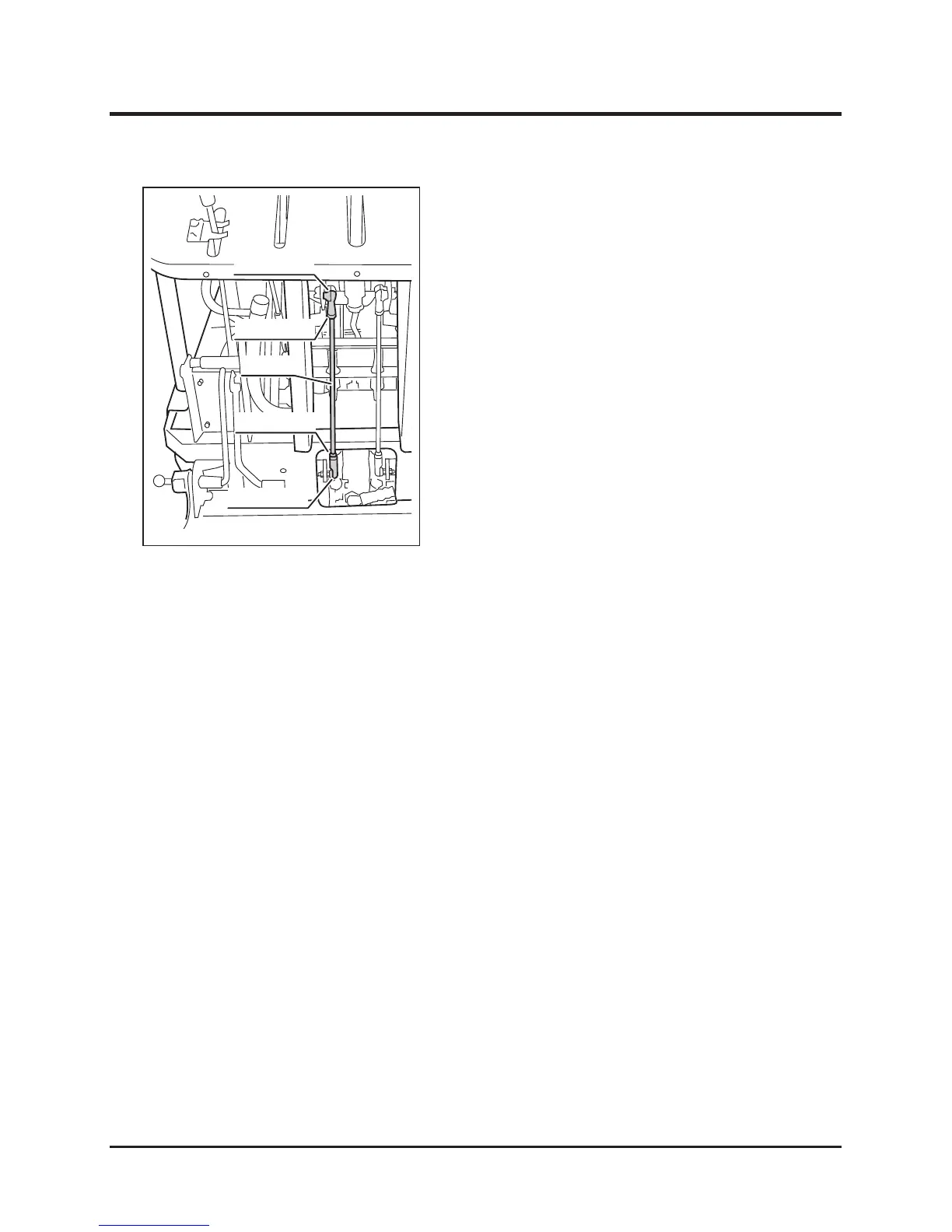
7. Loosen the lock nuts (D).
8. Rotate the rod (Е) until the left track does not
move.
- When the track moves forward, turn the rod
so that the distance between the rod ends
(F) becomes longer.
- When the track moves backward, turn the
rod so that the distance between the rod
ends (F) becomes shorter.
9. Tighten the lock nuts (D) securely.
10. Install control rod cover and back panel.
(Page 36, 35)
Adjusting - When the Left Track Moves



 To Next Page