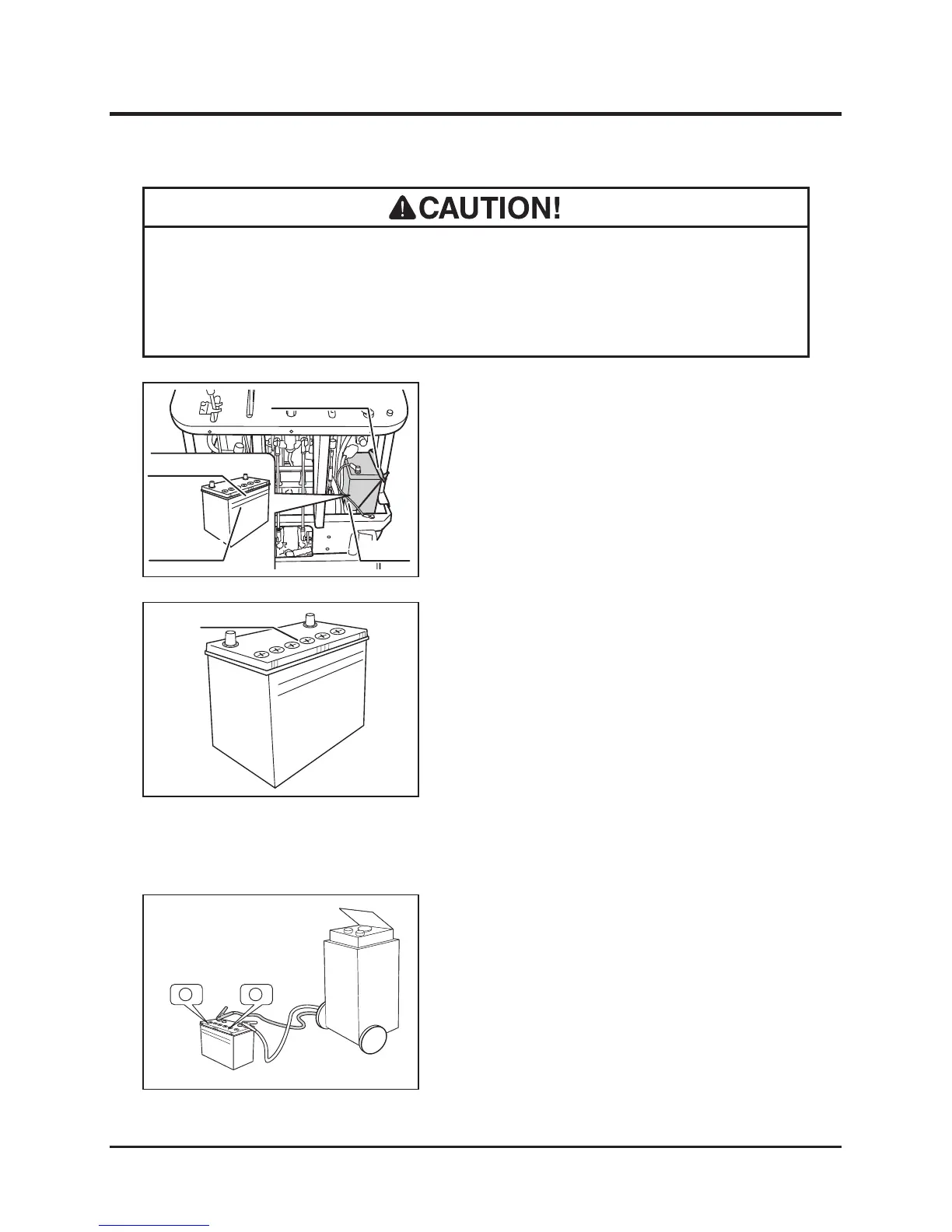
4. Remove the battery bracket and the battery
from the machine.
5. Open the ller plugs and ll distilled water
in the battery evenly until the uid level is
between the "Upper Level" and "Lower
Level" lines.
6. Put the ller plugs back in place.
7. Install the battery.
8. Install the right side and back panels. (Page
35)
1. Park the machine on a level ground.
2. Remove the right side and back panels.
(Page 35)
3. Visually inspect that the battery uid level
is between the "Upper Level" and "Lower
Level" lines. If the uid level is below the
"lower Level," ll.
Inspecting
1. Remove the right side and back panels.
(Page 35)
2. Disconnect the (-) cable from the terminal.
3. Disconnect the (+) cable from the terminal.
4. Remove the battery off the machine.
5. Remove all the ller plugs.
6. Follow the instructions in the battery charger
user's manual to charge the battery.
Charging
• Always remove the battery from the machine before charging. Failure to do so
causes damage to the electrical components and wiring.
• Follow the battery charger user's manual when charging.
Filling



 To Next Page