User Manual
Page 27 of 95
STATUS ICON DESCRIPTION
STANDBY
The otuputs are deactivated.
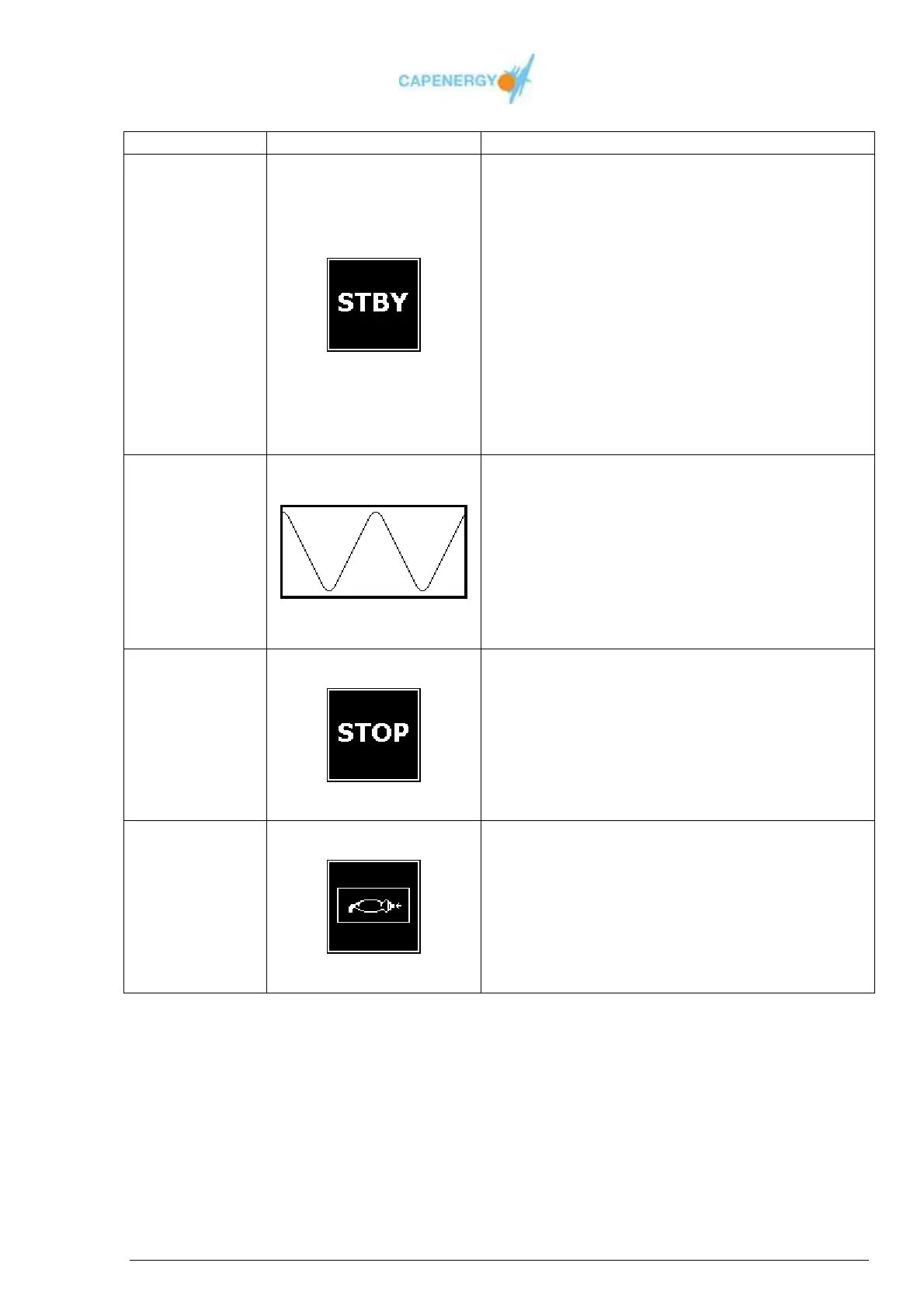
STBY GRAPHIC
Allows:
Modification of the chosen total treatment
time.
Modification of the power or temperature
configuration of the disabled channels.
Procedure:
Press the button WORKING / STANDBY
to change to WORKING status.
Press the OK button to return to the main
menu.
WORKING
The outputs are active.
WAVE GRAPHIC
Allows:
Power supply modification
Procedure:
Press the WORKING/STANDBY button to
change to STANDBY status.
TIME
COMPLETED
Treatment time has been completed.
STOP GRAPHIC
Warning finalized treatment time.
The outputs have been deactivated.
Procedure:
Press OK to go back to STANDBY
ACTIVE
SAFETY
CONTROL
Safety control has been activated
SAFETY CONTROL GRAPHIC
Outputs have been deactivated.
Procedure:
Press the OK button to return to
STANDBY.
Tabel 4.1. Statuses in BASIC MODE



 To Next Page