Instruction manual CE1122
Please keep this instruction manual for future reference
18
Initial Operating Condition
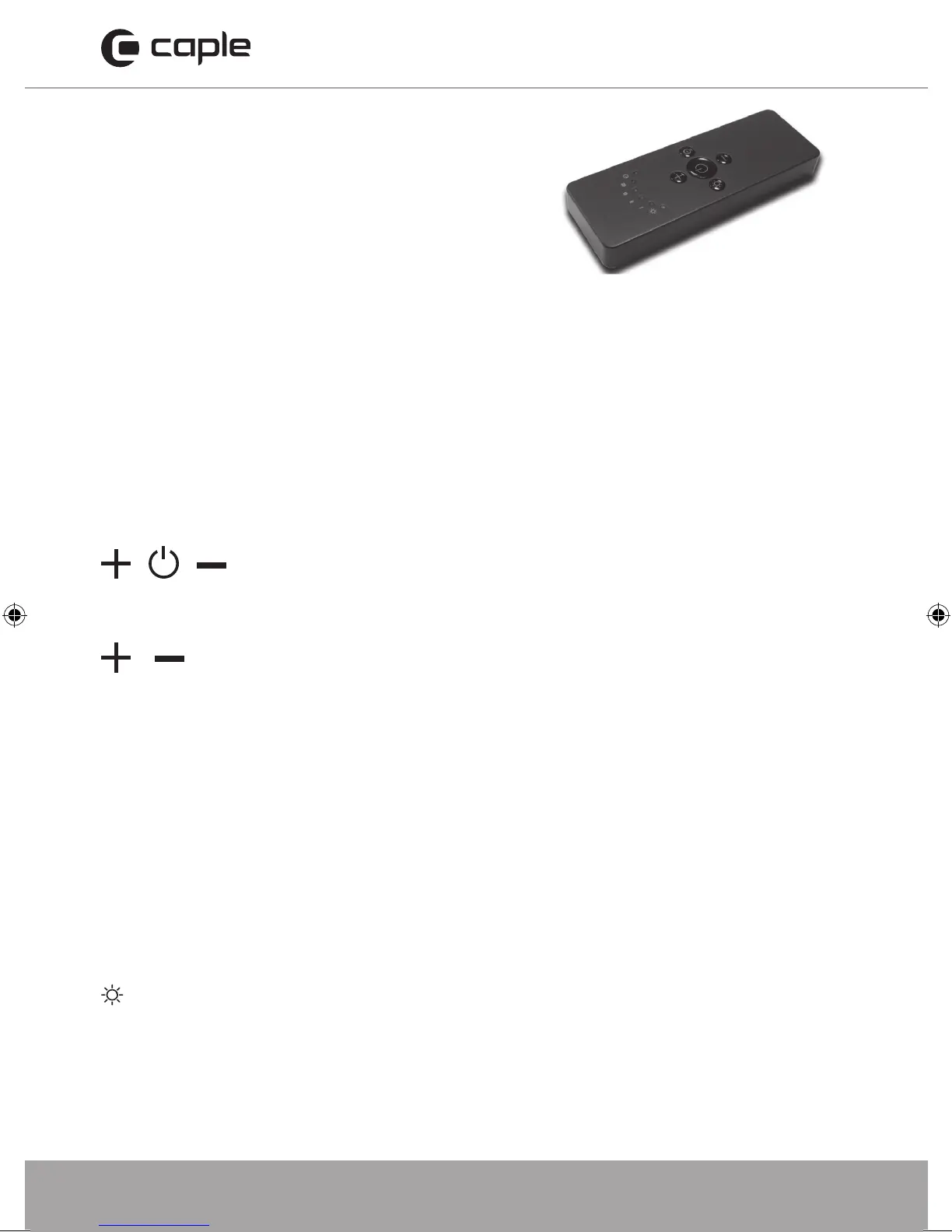
The manufacturer supplies the remote control unit
ready to be used with codes preset in the Factory
OPERATION MODE
Standard configuration:
Standard configuration requires all “cooker hoods radio control system” to be
provided with the same transmission code. In the event two cooker hoods radio
control system are installed in the same room or nearby, each system may affect the
operation of the another. Therefore, the code of one radio control system must be
changed.
Generating a new transmission code:
The radio control system is provided with preset codes. Should new codes be
required, proceed as follows: Press simultaneously buttons:
for two seconds. When Leds light on, press buttons:
(within 5 seconds). Leds flashing 3 times indicate the procedure is completed.
WARNING:
This operation deletes permanently the preset codes.
Learning the new transmission code:
Once the transmission code is changed in the radio control unit, the electronic
central unit of the cooker hood must be made to set the new code in the following
way:
Press the main power-off button of the hood and then restore power to the
electronic control unit. Within the next 15 seconds, press the Light Button
to synchronise the central unit with the code.
CE1122SS/WH_Instruction manual.indd 18 22/03/2018 10:53


 To Next Page