English
Operating the Capsule Neuron [Chapter 3]
20
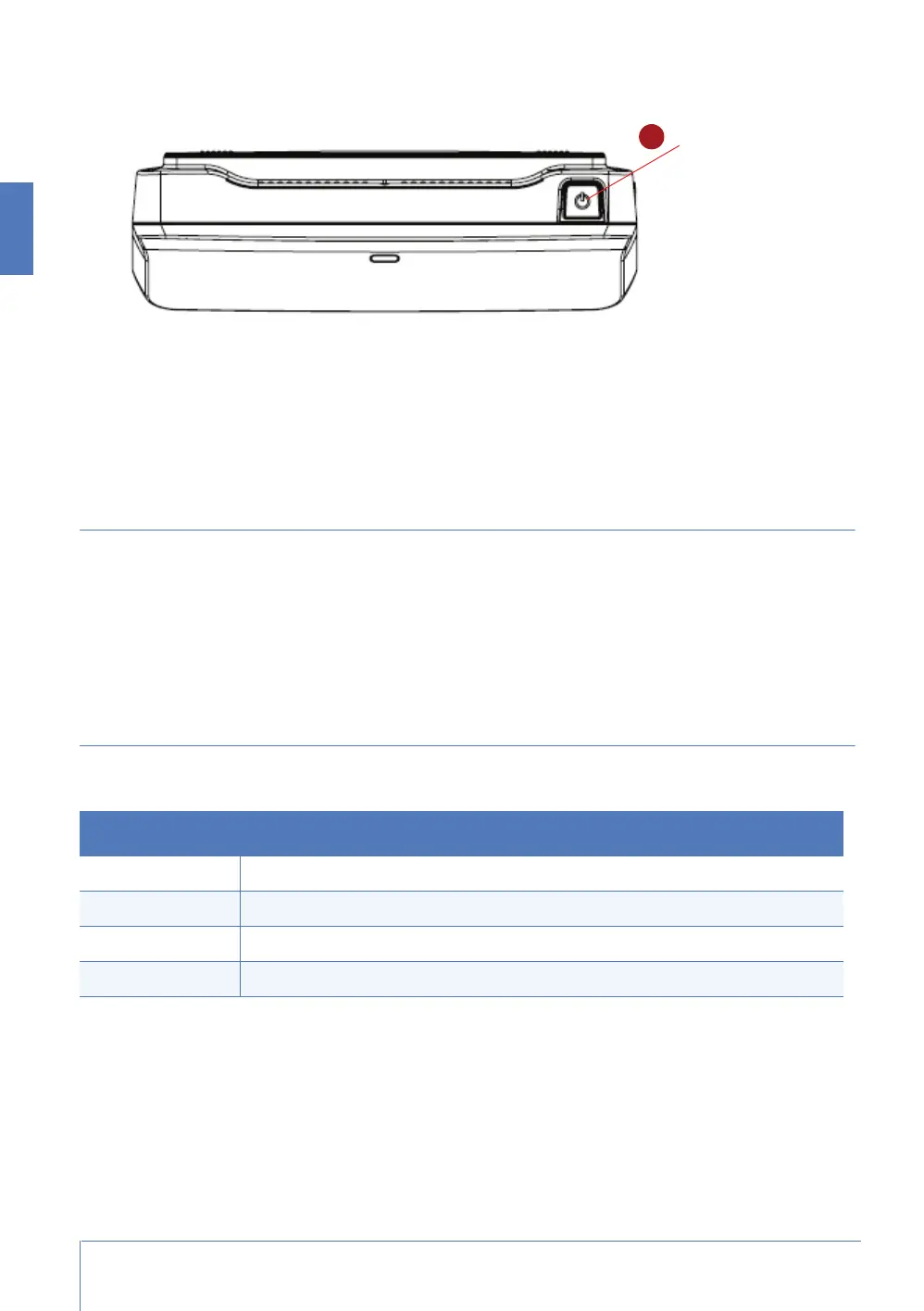
Power Off the Capsule Neuron
To power off the Capsule Neuron, press the On/Off button again.
If the Capsule Neuron does not shut down properly for any reason, you can do a hard shutdown.
Press and hold the power button for four seconds.
Working with the Capsule Neuron touch screen
The Capsule Neuron screen is a 10.1-inch (25.6-centimeter) touch screen. It is antiglare treated, and
readable from multiple angles.
Screen brightness adjusts automatically to the level of ambient light, dimming or brightening in
parallel with the current level of luminosity in the room. If the screen goes completely dark, the
Capsule Neuron is said to be in ‘sleep’ mode, and you can wake it up by touching the screen.
Reading the status LED
The Capsule Neuron provides a single LED, located on the front of the device below the screen.
LED Capsule Neuron Status
Off Capsule Neuron is not running.
Blue - Blinking Capsule Neuron is booting.
Blue Capsule Neuron has finished booting, and is EMR-connected.
Red Capsule Neuron has finished booting, and is not EMR-connected.



 To Next Page