English
Operating the Capsule Neuron [Chapter 3]
24
• initialize the appropriate DataCaptor Device Interface (DDI)
• detect when the device is disconnected and re-connected
Connecting the cables
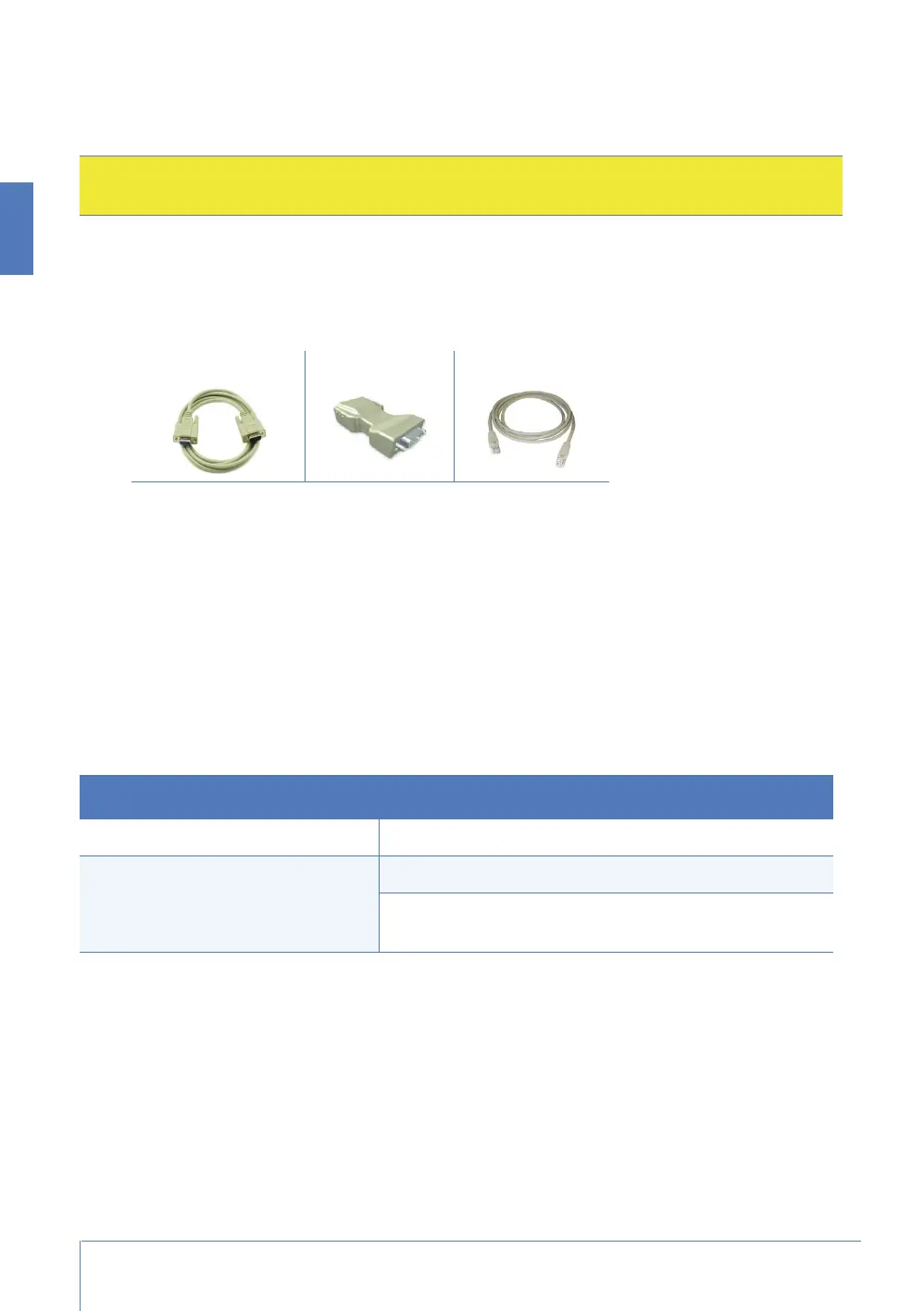
1. Attach the device cable from the device to the DIM (Device ID Module).
2. Attach the DIM patch cable to the RJ45-end of the DIM.
Connecting the devices
1. Attach the RJ45-end of the cable assembly into one of the ports of the Capsule Neuron. Refer to
the description of “Connectivity” on page 18 for the set of available ports.
2. Connect the other end of the cable assembly to the back of the vital signs monitor.
3. Tighten the thumb screws and secure the assembly behind the monitor.
For more on using the Capsule Neuron with the vital signs monitor
This manual does not describe the use of the Capsule Neuron with vital signs monitors. Instead, refer
to the following documents:
Caution: If you use unapproved cables to connect medical devices to the Capsule Neuron, you
could cause damage to or malfunctioning of the medical device.
Device cable DIM DIM patch cable
Subject Where to look
How to configure Capsule Neuron DataCaptor System Administrator’s Guide
How to operate Capsule Neuron Capsule Neuron Status Application Clinical User’s Guide
Capsule Neuron Mobile Vitals Plus Application Clinical
User’s Guide



 To Next Page