Operating the Capsule Neuron [Chapter 3]
18
English
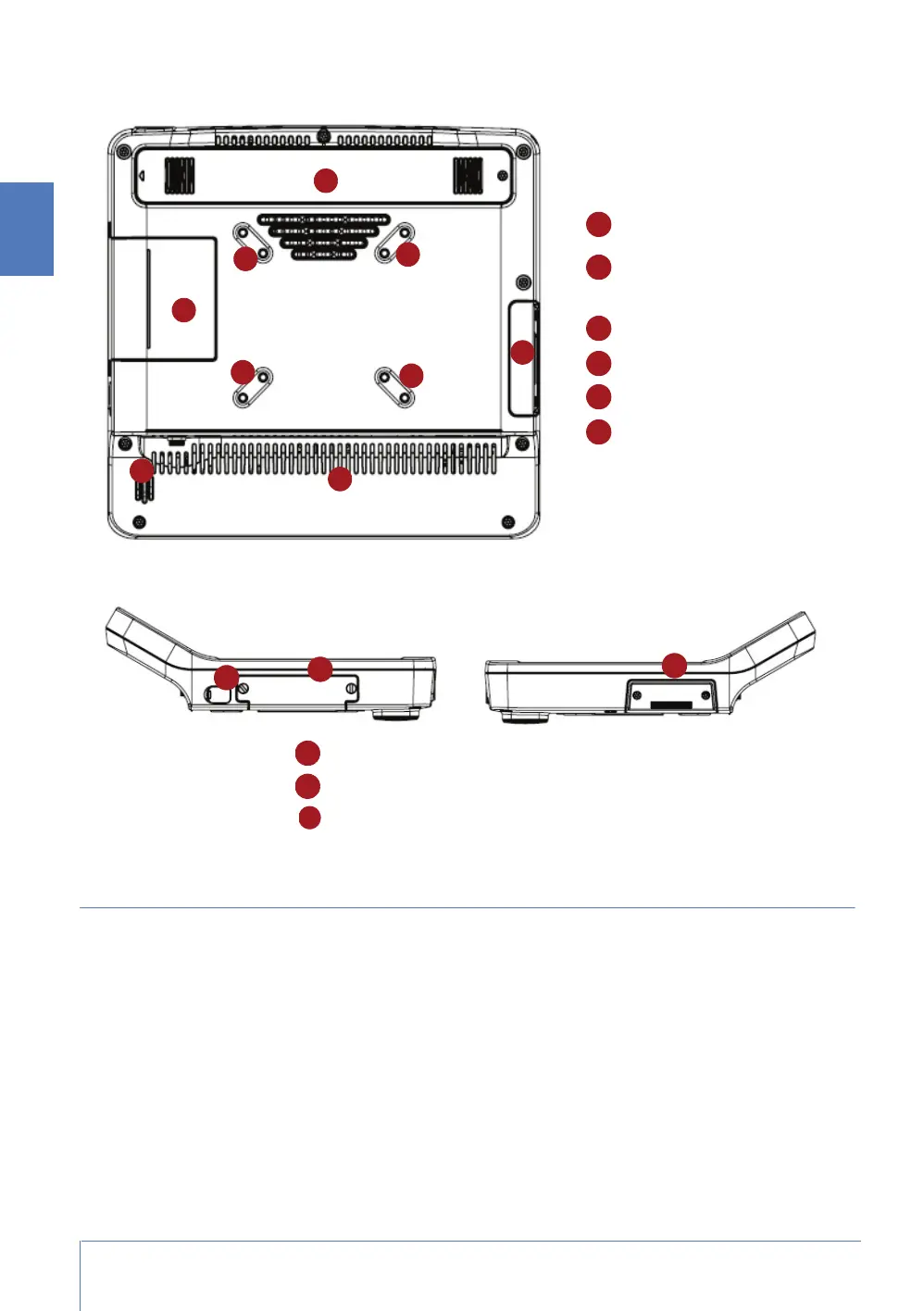
View from the back
Views from the side
Connectivity
The ports on the Capsule Neuron are used to connect medical or other devices. A blue line on these
ports indicates a medical-grade connection port. A yellow line indicates the Ethernet connection
port. The tables describe the ports.
11
13
12
12
12
12
15
Extended battery emplacement
Mounting plate screwholes
(VESA 75/100 configuration)
Main battery
Covered USB port
Aeration vents
Speaker
17
13
14
Main battery
Covered USB port
Anti-theft slot



 To Next Page