11 EN
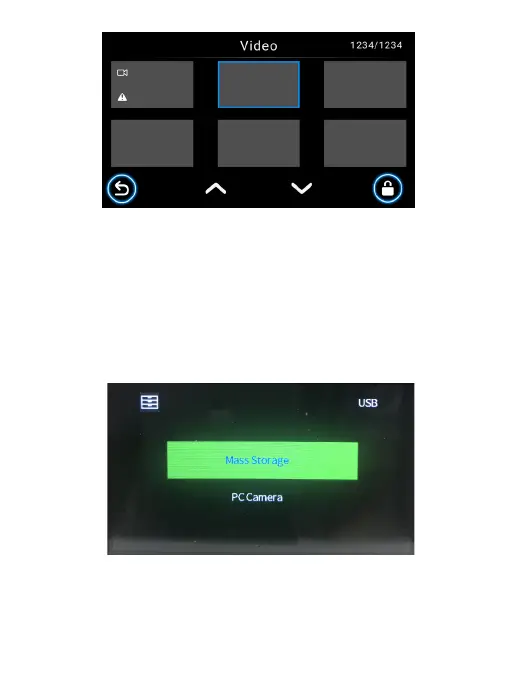
Your Dash Cam can act as a “Removable Disk”; you can copy recorded files for
backup and playback on your computer.
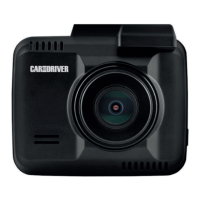
1. Connect your supplied USB- TYPE C cable to the Type C port of the Dash Cam,
and to your computer’s USB Port. Tap Mass Storage, and the Dash Cam should
be recognized by your PC.
2. Click to select your desired recorded files to copy and/or play back on your
computer.
Connect your supplied USB- TYPE C cable to the Type C port of the Dash Cam,
and to your computer’s USB Port. Tap PC Camera on your Dash Cam, and click
the Camera App Icon in the Start menu on your computer to open the Camera,
and the Dash Cam will be identified.
3-5-1 Playback on your computer
3-5-2 Using as webcam
3-5 Connecting to your computer



 To Next Page