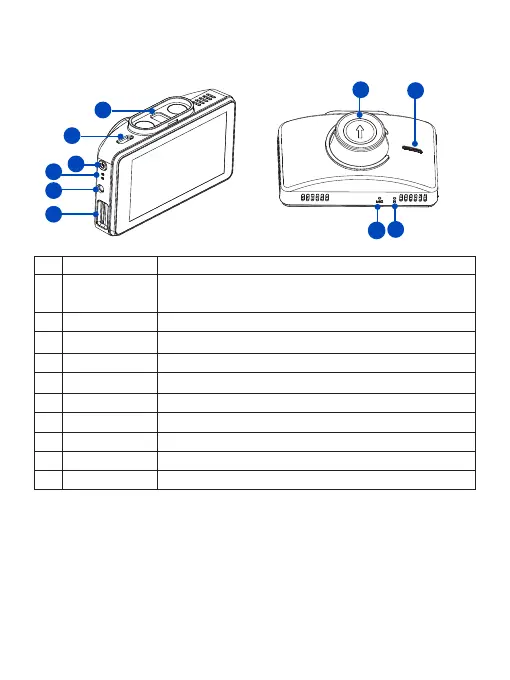
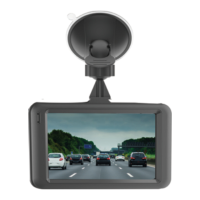
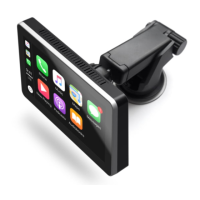
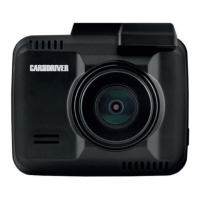
1-2 Buttons and Parts
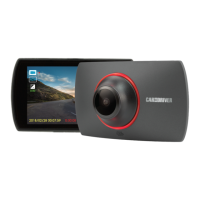
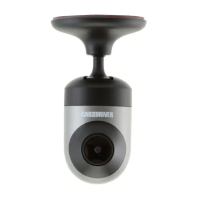
Front View
Rear View
No. Definition Description
1 Magnetic
Mounting slot
The magnetic mount is inserted here
2 Type C port For DC power input or connecting to computer.
3 Power button
Press and hold for 1 second to manually turn the device on/o.
4 LED Indicator Indicates the device operating status.
5 Rear camera jack For optional backup Camera, not available in all regions
6 TF card slot Slot for included memory card.
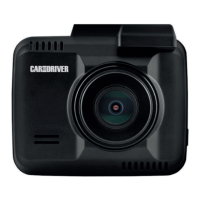
7 Camera Lens Front facing camera for video recording.
8 Speaker For audio sound output
9 Reset button Press to restore all the system settings to factory defaults.
10 Microphone For recording audio.
1
5
6
2
3
4
10
7
8
9
4 EN



 To Next Page