Pairing Online – Cardo Community®
You can nd your friends and add them to your “One+8” Buddy
list via the Cardo Community website at:
http://community.cardosystems.com
5.1d
PAIRED DEVICE INDICATION
Use the Paired Device indication to quickly see which G9 units
within a range of 60ft./20m are your “One+8” Intercom Buddies.
1. Press and hold the Voice Command button for 5 seconds.
2. If your G9 and another nearby G9 are paired as “One+8”
Buddies, both your Purple lights will turn on for 2 seconds.
3. If they aren’t paired as “One+8” Buddies, pair them in seconds
using Flash-Pairing (see Section 5.1c).
5.2 INTERCOM CONFERENCE MODE
Start multi-party conversations using the Channel A and B buttons
on your G9. This mode is suitable for 2, 3 or 4-way calls.
Pairing between scala rider G9s can be done either via Flash-
Pairing
(see below) or by manually pairing the Channel A and B
buttons as described in the following sections.
INTERCOM CHANNELS AND PAIRING LED INDICATION
INTERCOM
CHANNEL
PAIRING / CONNECTION
BUTTON
PAIRING MODE LED
INDICATORS
Channel “A” Channel “A” BUTTON Rapid RED ashing
Channel “B” Channel “B” BUTTON Rapid BLUE ashing
5.2a TWOWAY INTERCOM
If you have purchased the G9 PowerSet, both units are factory-
paired and congured to communicate via their respective
Channel “A” Buttons. If for any reason you have to pair them again,
OR if you purchased a single scala rider G9 and wish to pair with
a second unit to make Intercom calls, proceed as follows:
METHOD 1: Flash-Pairing with Channel A and B
buttons
1. Remove two G9 units from the Audio Kits and verify they are
in Standby Mode (slow single blue ashing).
2. Tap the Channel button (“A” or “B”) on the rst G9 unit and the
purple light begins ashing.
3. Tap the Channel button (“A” or “B”) on the second G9 unit and
the purple light begins ashing.
NOTE: Selecting a Channel that is already in use will override the
existing paired device on that Channel with the newly-paired device.
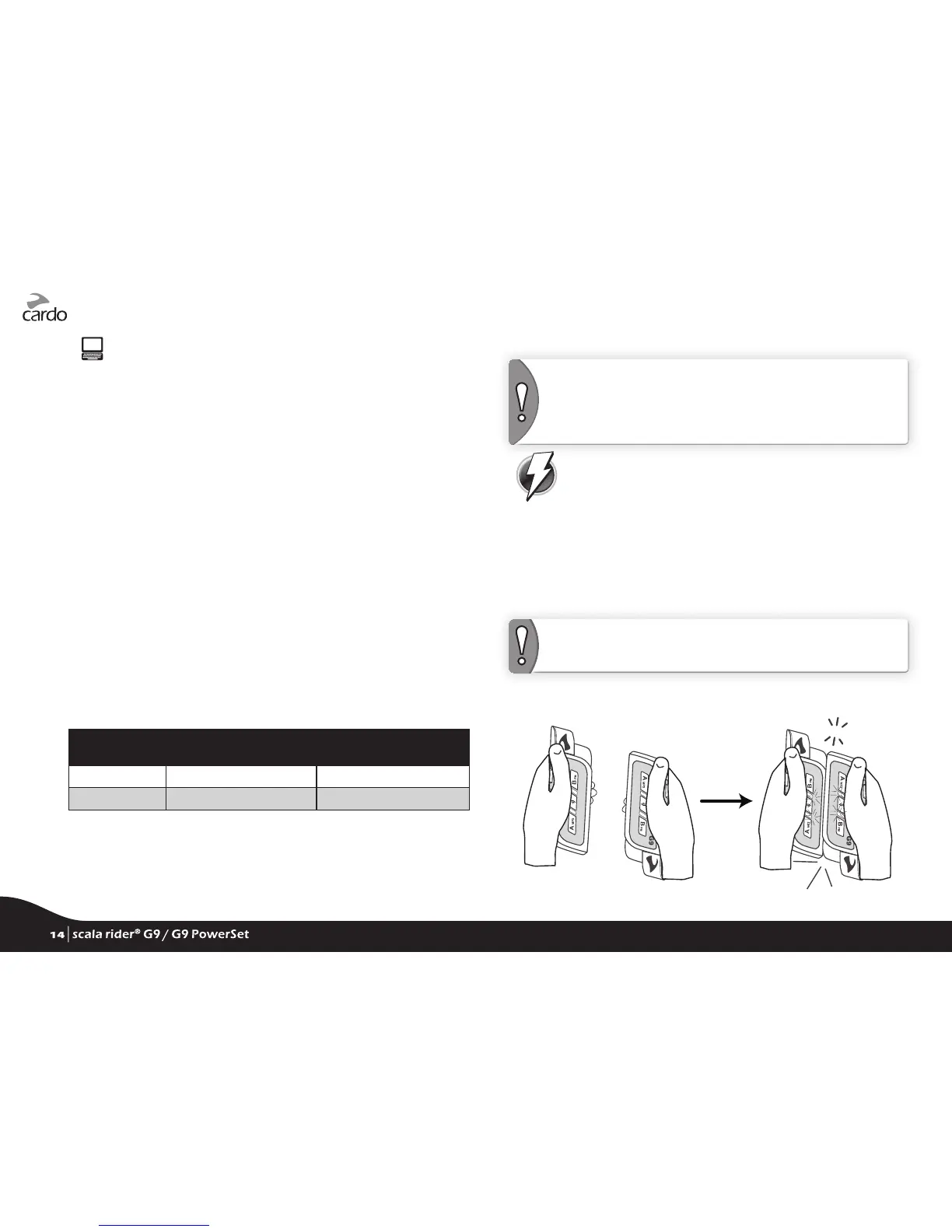
4. Within 5 seconds of tapping a Channel button, bump the two
G9 units gently against each other and hold them side by side.
CLICK !KLICK!
5. If Flash-Pairing was successful, a purple light appears for 2 seconds.
14
| scala rider
®
G9 / G9 PowerSet
14
| scala rider
®
G9 / G9 PowerSet









 To Next Page