Detector Operation
AA5348 | 2012-12-20 2–7
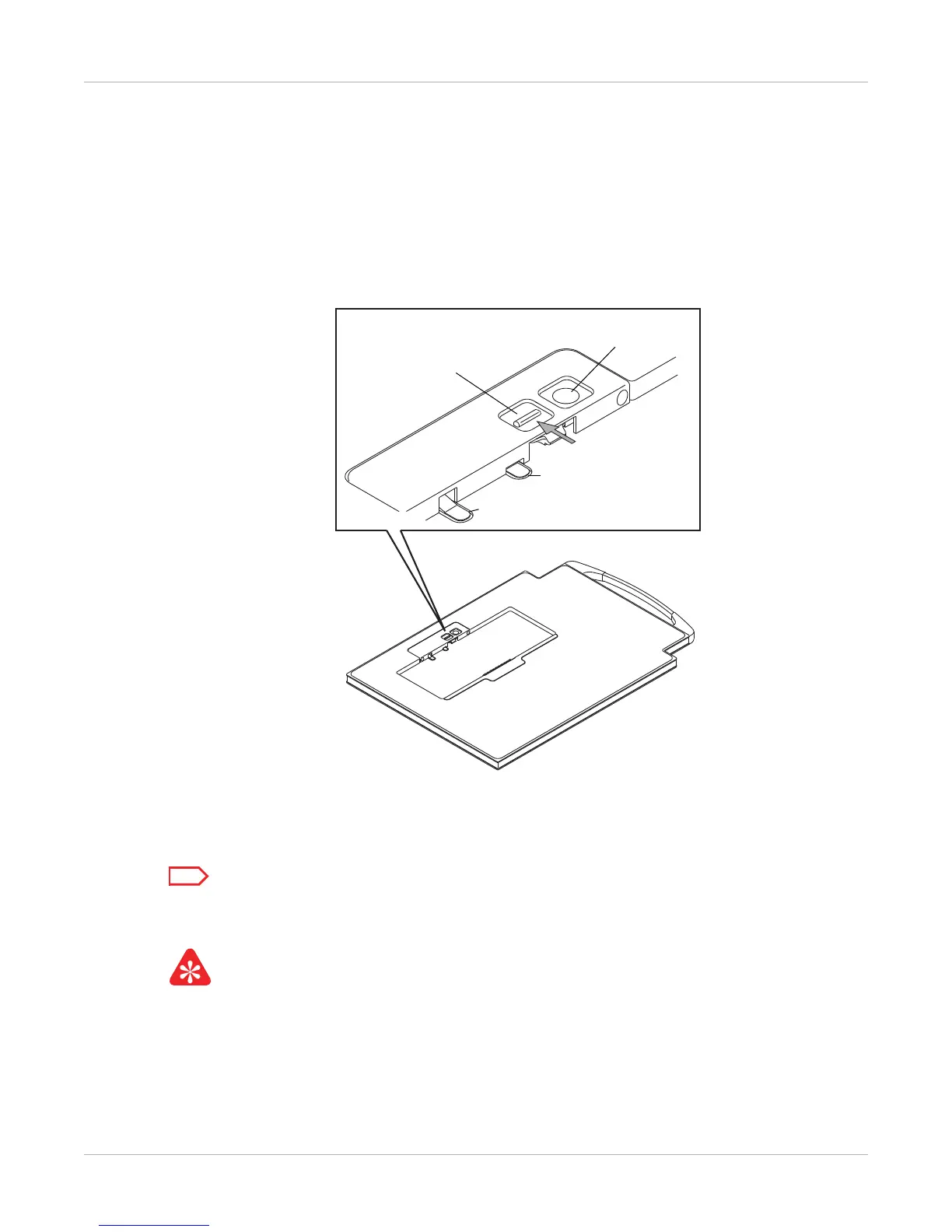
Battery unlatch procedure for the DRX Detector Battery:
1. Place the detector on a flat surface.
2. With one finger, press and hold the round button to release the latch (1).
3. With another finger, simultaneously pull the tab away from the battery (2).
Both actions are required to release the battery.
Figure 6: Two Point Latch
The battery pops up and releases for easy removal.
Do not pull on the latch tab (a) or spring (b). If this happens, the latch will lock open. Repeat the
battery unlatch procedure to reset the tabs.
When a battery in the battery is fully charged, a green light on the battery charger will glow to
indicate that the battery is ready for use.










 To Next Page