Detector Operation
AA5348 | 2012-12-20 2–13
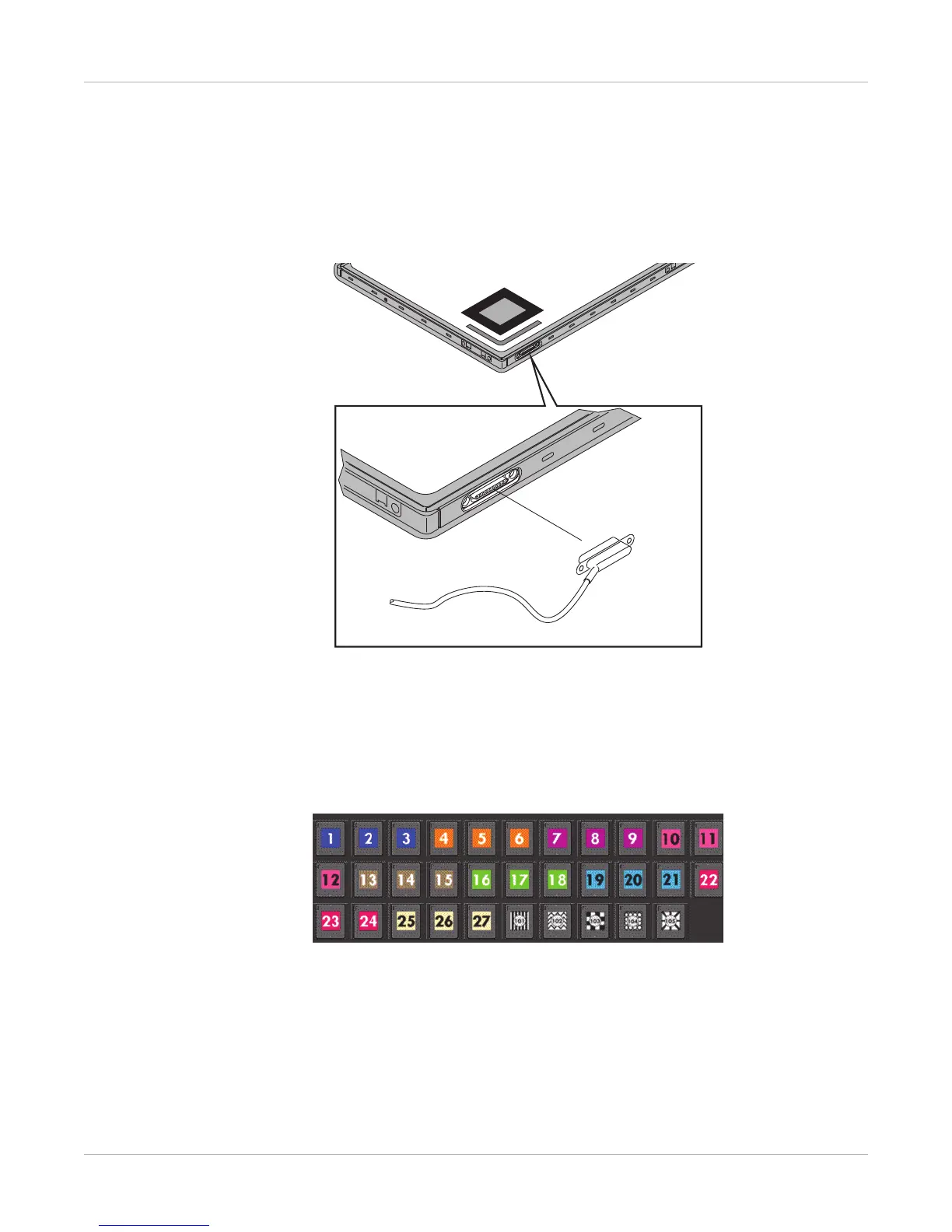
Connect the Tether
To connect the detector with a tether, remove the detector tether connection cover.
Place the metal end of the tether on the magnetic bar on the side of the detector. If the
tether is connected correctly, it will not interfere with the position of the detector.
Figure 12: Connecting a Tether
Labeling the Detector for Use
Labels are grouped by color and number series so that you can keep the same
identification scheme in each room. To avoid confusion, make sure the label you choose
is not already in the System.
Apply the Label
1. Place the detector on a flat surface with the Tube Side facing you.
2. Position the detector label you have selected inside the Tube Side label.










 To Next Page