38 | Page
BRx7 User Manual
WebUI (connued)
Working Mode
(connued)
External
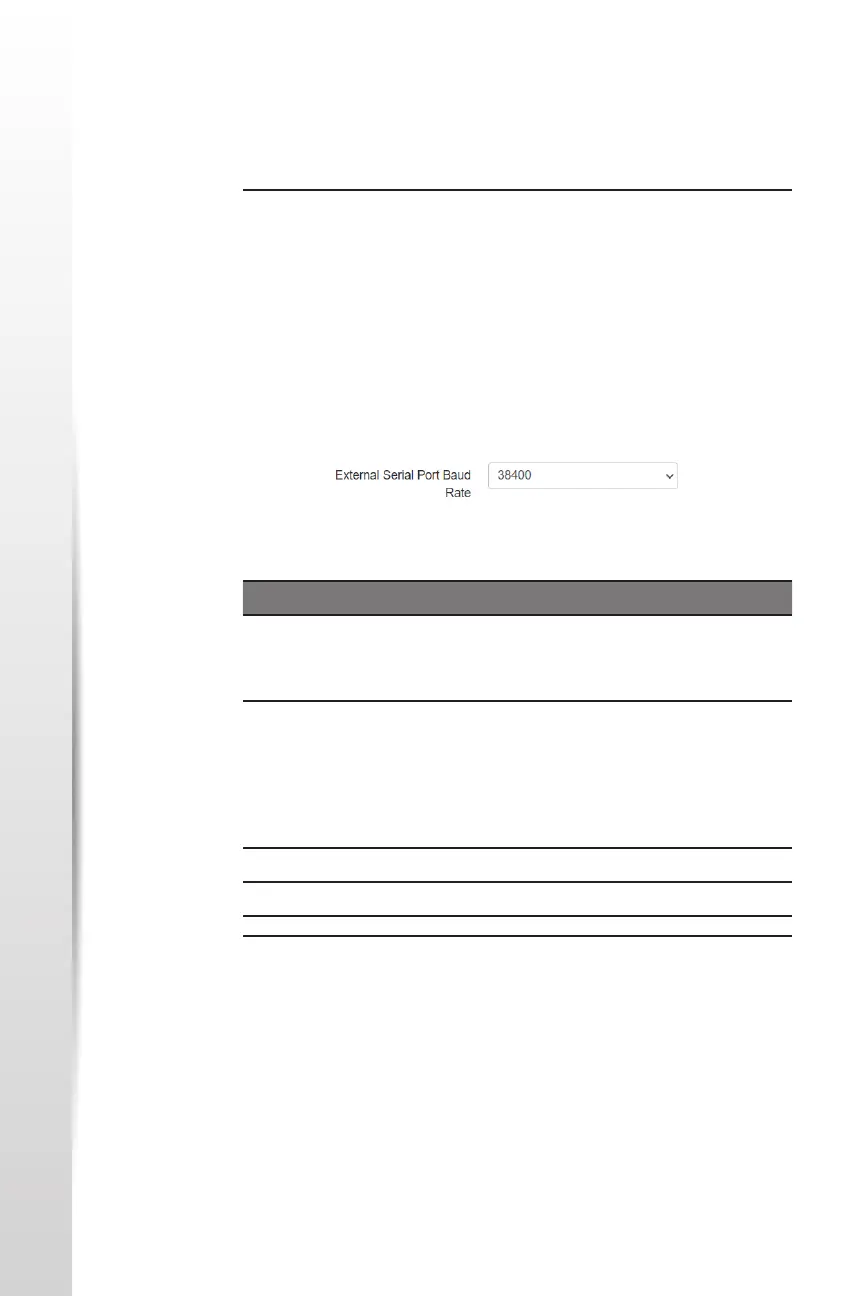
lf you wish to send RTK correcons out of the serial port (i.e., an external
UHF radio) instead of to the InternaI UHF radio (as explained above) select
External next to Current Datalink.
Use the drop‐down arrow to select the baud rate of the external device
and plug that device into the 5‐pin serial port. (Baud rates range from 9600
bps ‐ 115200 bps.)
Network
The BRx7 supports TCP/IP connecons for a direct connecon between
base and rovers via cellular as well as NTRIP.
NTRIP
NTRIP requires a specic IP address, username, and password. When used
as a base, the BRx7 is an NTRIP server.
The part numbers for the 5‐pin cable are as follows:
Table 3‐2: BRx7 5‐pin cables
5‐pin Cable Part Number Descripon
BRx7 Power Cable
(Alligator Clips)
8030.064.036 Alligator clip adapter for the
054‐ 0180 serial cable and the
054‐ 0178‐0 power cable.
BRx7 Serial Cable 8030.064.028 Serial cable only
Serial comes out to a DB9. To
connect to an external UHF
radio, you may need a null
modem adapter.
BRx7 Power + Serial 8030.064.027 Power and serial cable
BRx7 Power Cable - n/a - Power cable only


 To Next Page