EN 19
NOTE:
After changing the quantity you will not be able to restore the
default settings. You will have to adjust the quantity manually.
ADJUSTING THE GRIND
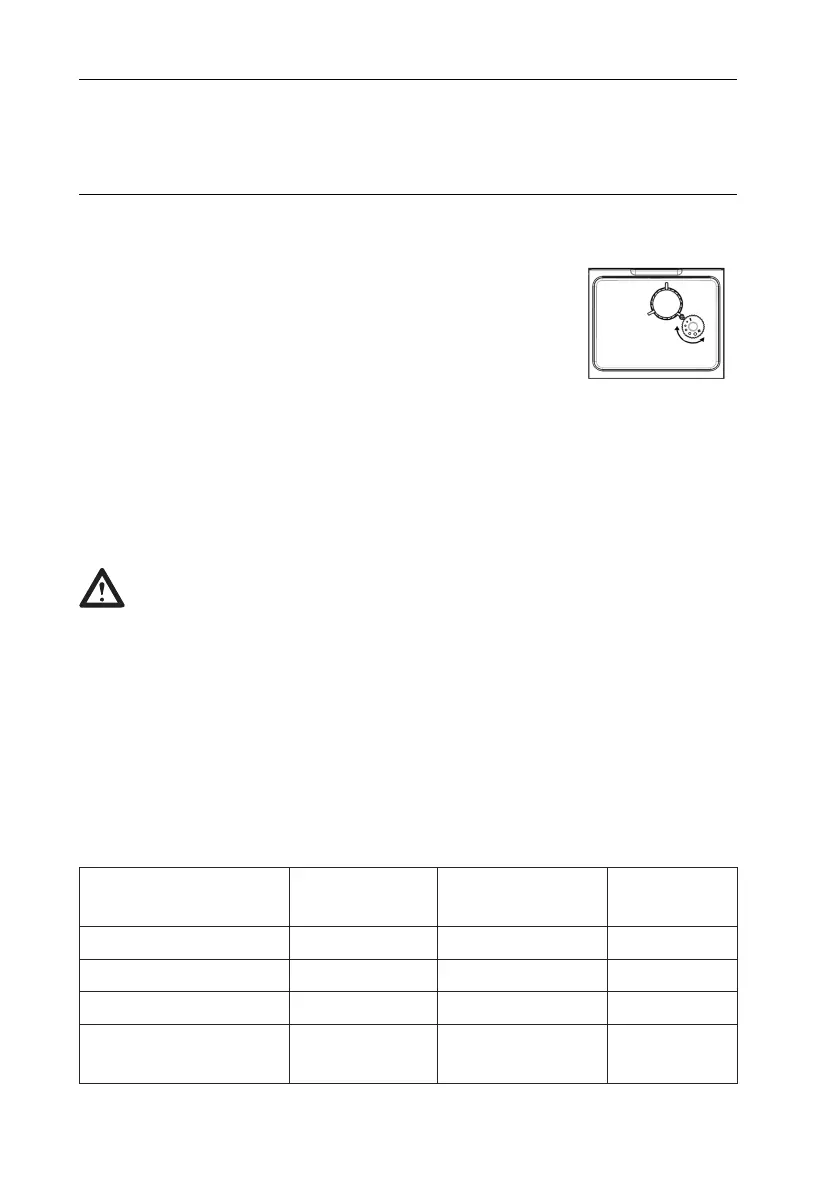
You can adjust the grinder to suit your taste
by turning adjuster knob in the coffee bean
container.
The dots on the adjuster knob correspond to the
fineness of the grind.
If the coffee comes out slowly or does not come out at all, turn the
knob to the left.
For richer coffee with better foam, turn the knob to the right.
CAUTION!
Never try adjusting the grind when the grinder is not
operating. It may damage the grinder.
SELECTING MODES
The appliance has three different settings: default setting, ECO
mode and speed mode. In ECO mode, the appliance helps to
save more energy.
In speed mode, you can make your coffee faster than in default
setting.
Speed
Mode
Default
Setting
ECO Mode
Illumination yes yes no
Pre-brewing* no yes yes
Auto shut-off time 30 min. 20 min. 10 min.
Cup volume
memory
yes yes yes


 To Next Page