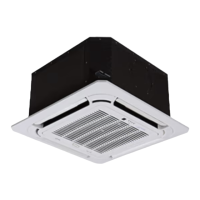
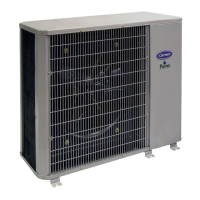
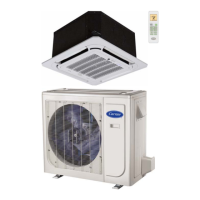
40MULA: Installation Instructions
Manufacturer reserves the right to change, at any time, specifications and designs without notice and without obligations.
17
OPERATION MODE SETTING
Refer to the KSACN1101AAA Installation Manual S3 table on page 11 for setting the S3 dial on the interface for compressor drop out temperature for
dual fuel. For wired controller dual fuel operation, set the heat mode to “HEAT + AUX” to operate the heat for dual fuel.
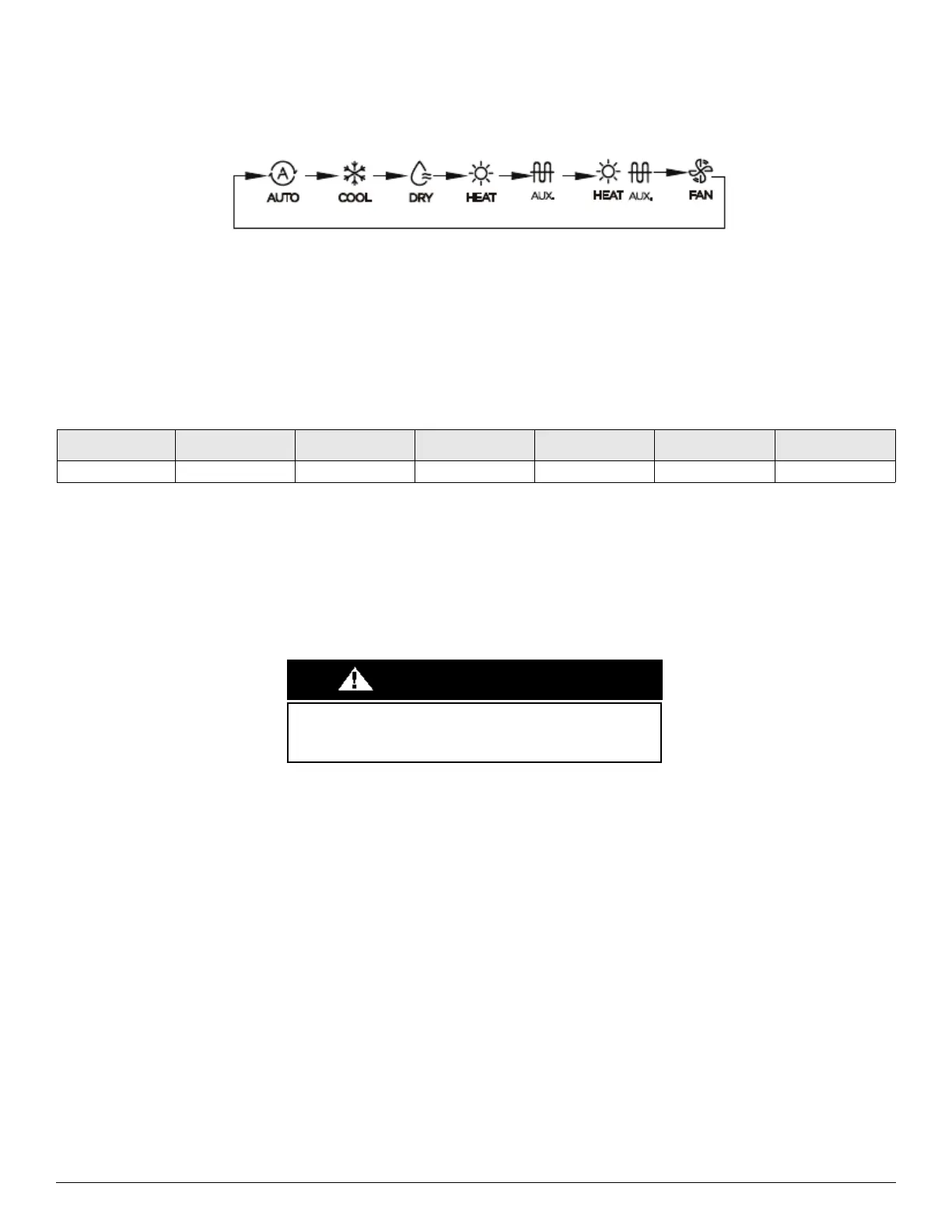
Fig. 17 — Operation Mode Setting
1. Press the Mode button (M) to change the mode of operation
2. Each press will change the mode of operation: Auto/Cool/Dry/Heat (heat pump only)/AUX (furnace only)/Heat/ AUX (Dual Fuel)/Fan
3. In order to use dual fuel operation press the Mode button until the HEAT+AUX mode is displayed.
AIR FLOW SPECIFICATIONS
Table 5 — Airflow Specifications
CARE AND MAINTENANCE
To continue high performance and minimize possible equipment failure, it is essential that periodic maintenance be performed on this equipment.
Consult your local dealer as to the proper frequency of maintenance, however it should be performed at least annually.
The ability to properly perform maintenance on this equipment requires certain mechanical skills and tools. If you do not possess these, contact
your dealer for maintenance. The only consumer service recommended or required is filter replacement or cleaning on a monthly basis.
MODEL NUMBER 40MULAQ24XAX 40MULAQ24XBX 40MULAQ36XBX 40MULAQ36XCX 40MULAQ48XCX 40MULAQ60XDX
Indoor CFM 705.9 705.9 882.4 882.4 1,029.4 1,117.7
Failure to follow this caution may result in environmental damage.
Remove and recycle all components or materials (i.e., oil, refrigerant.)
before unit final disposal.
CAUTION


 To Next Page