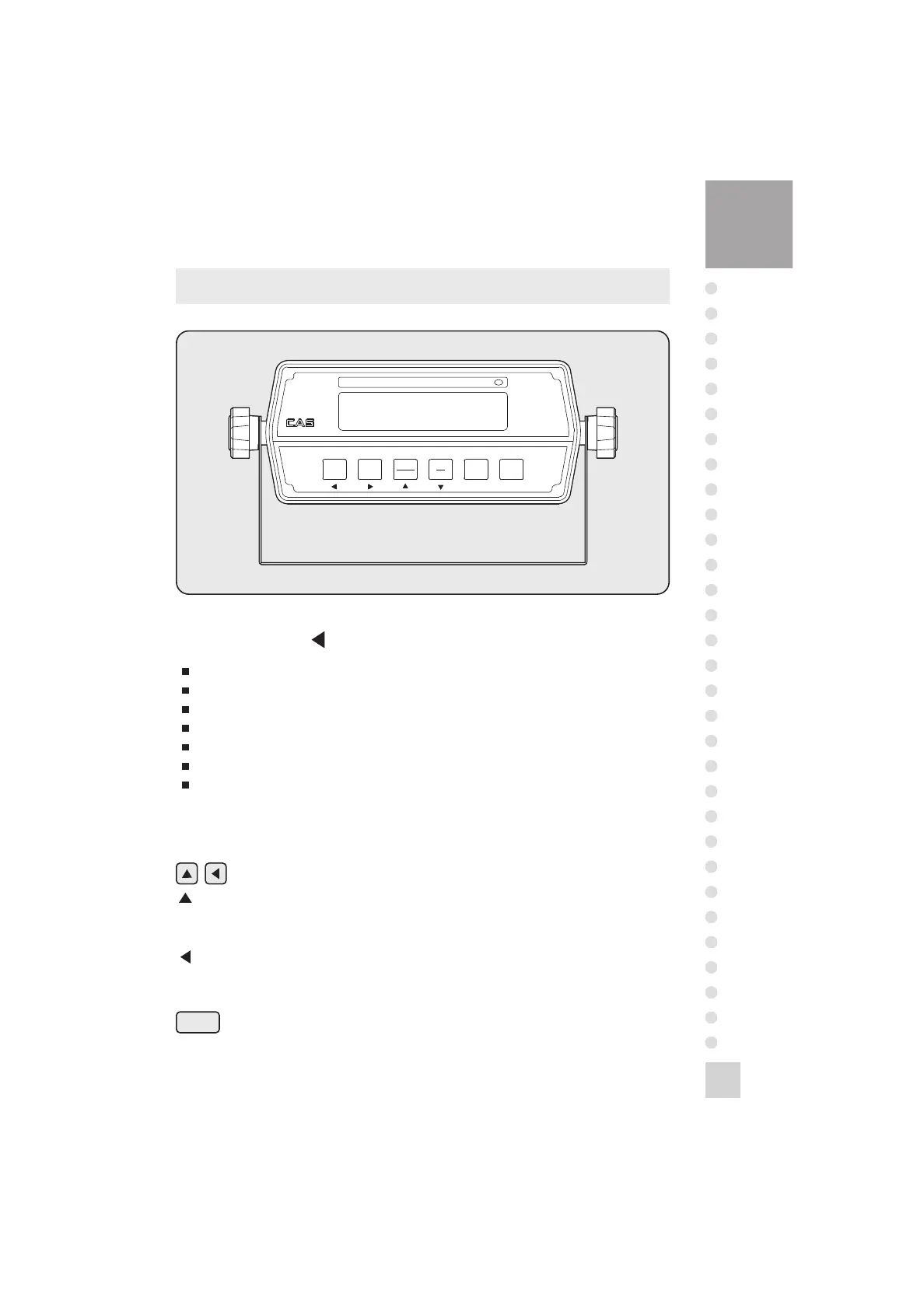
1. Display lamp( )
lb lamp: ON when the weight unit is pound [lb]
kg lamp: ON when the weight unit is kilogram [kg]
STABLE lamp: ON when the weight is stable.
TARE lamp: ON when the tare weight is stored.
GROSS lamp: ON when the current weight is GROSS weight.
NET lamp: ON when the current weight is NET weight.
ZERO lamp: ON when the current weight is 0kg(0lb).
2. Keyboard
Available keys instead of numeric keys.
: Change the set value.
Increase the first place value to 1.
Usage-input the numeric value in TEST, CAL, SET mode.
: Change the digit of the set value.
Move to the left by 1 place.
Usage-input the numeric value in TEST, CAL, SET mode.
Returns the display to 0.
ZERO



 To Next Page