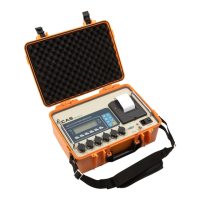
Road Weigher
▩▩▩▩▩▩▩▩▩▩▩▩▩▩▩▩▩▩▩▩▩▩▩▩▩▩▩▩▩▩▩▩▩▩▩▩▩▩
- 13 -
REF 1 Do this test after the connection between serial port of computer and
serial port of indicator
REF 2 Send no. 1 in computer keyboard and check if indicator receive no. 1
Send no. 1 in indicator keyboard and check if computer receive no. 1
T
T
E
E
S
S
T
T
5
5
REF 1. "GOOD" message is displayed if the printer connector and specification
os done correctly. if not, " error 06" message is displayed.
REF 2. The test output format of printer is like follows.
* PRINTER FORM *
FUNCTION : Printer test
KEY LCD DISPLAY DESCRIPTION
LIGHT key :
Exit test mode
Other key :
Perform
tESt5
GOOD
ERR06
Test 5 condition
No error in printer
Check printer connector
TEST OK
1999. 3. 1 10:15:20
WEIGHT 1 1200 kg
WEIGHT 2 1200 kg
WEIGHT 3 1100 kg
WEIGHT 4 1100 kg
----------------------------
TOTAL 4600 kg


 To Next Page
 Loading...